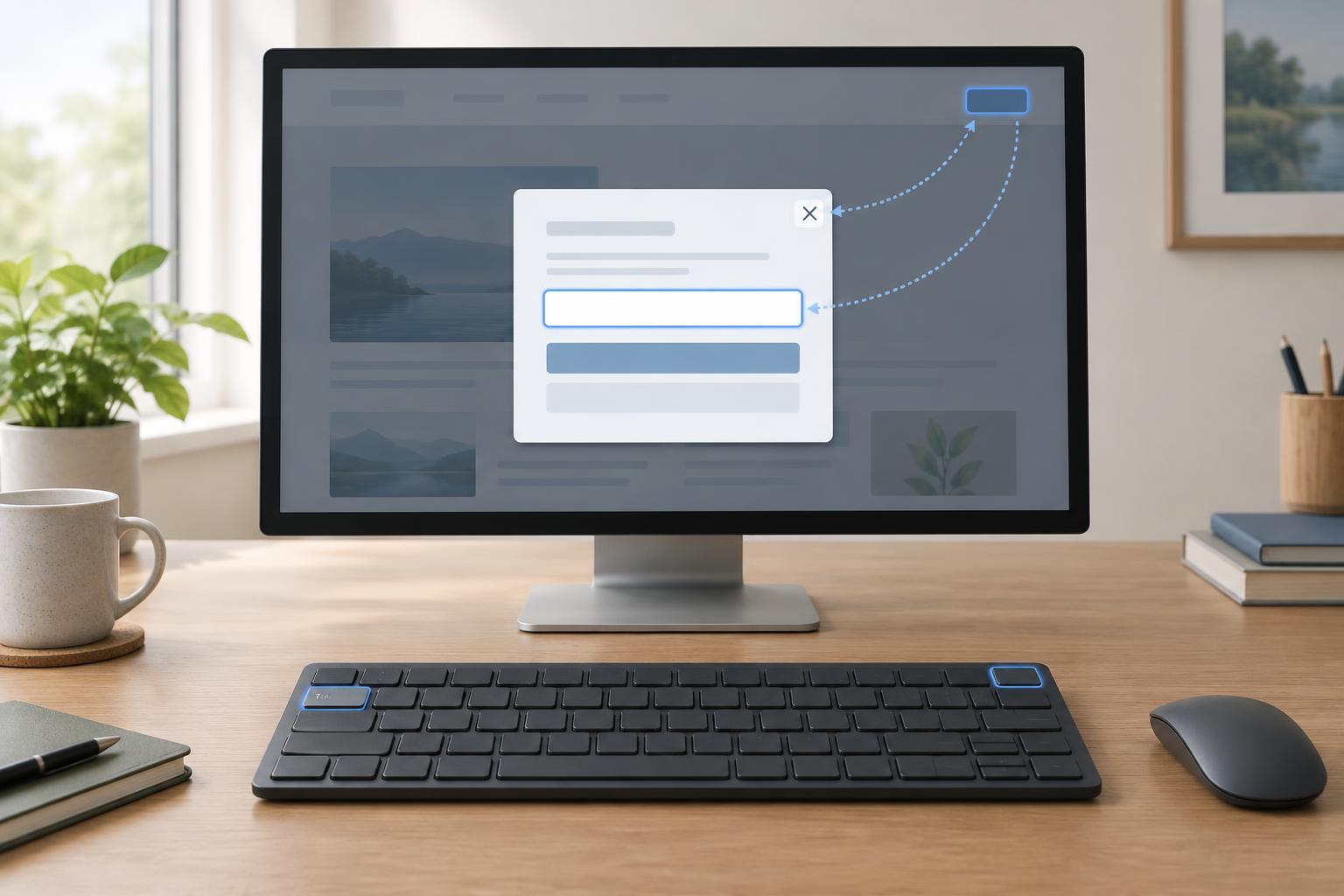
Accessible DesignA dialog should make a focused task easier, not leave visitors searching for a way back. Learn when to use one, where keyboard focus should go, how it should behave while the dialog is open, and how to provide a dependable close path.
Read article · 4 min↗
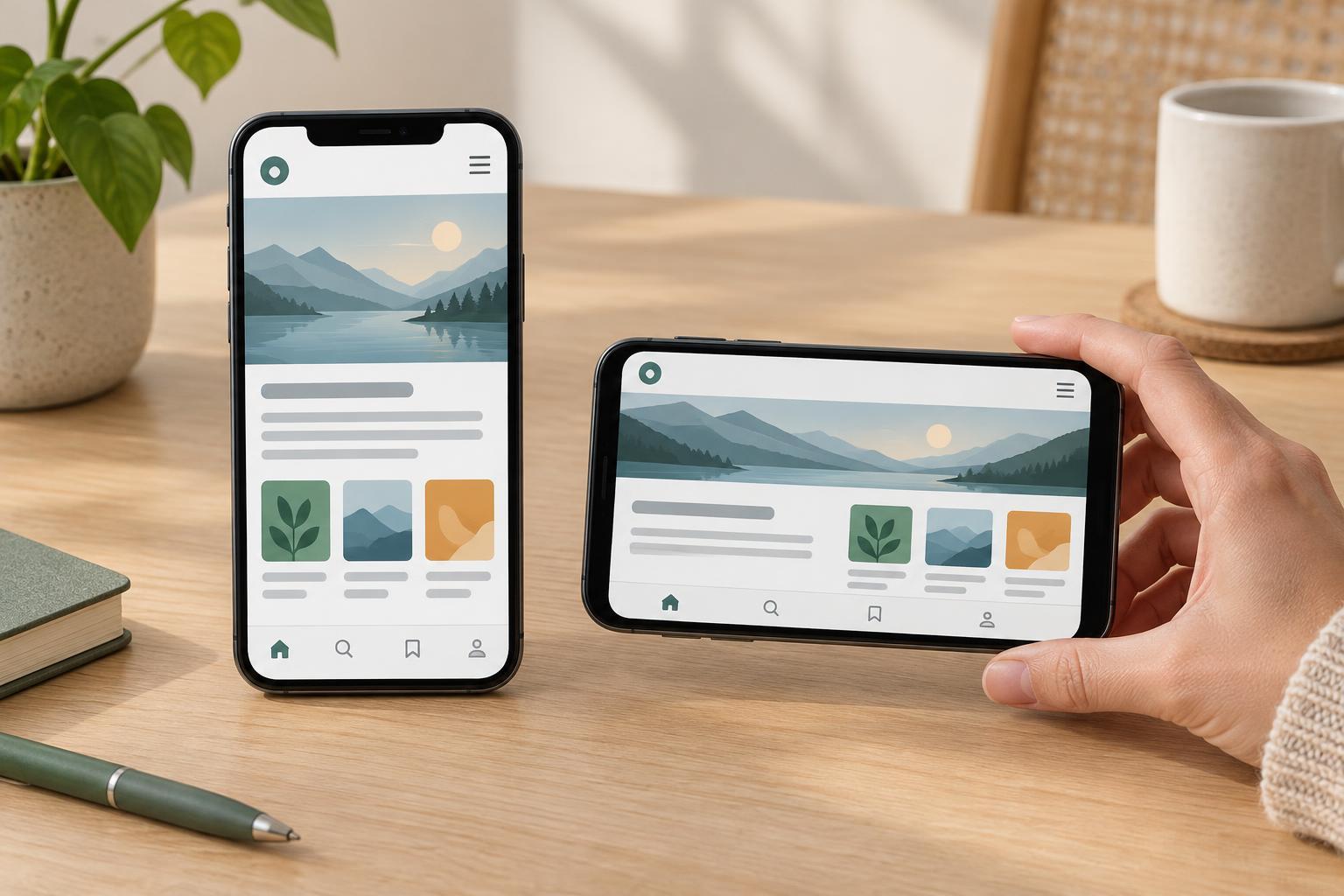
Accessible DesignA mobile layout should remain usable when someone turns their phone. Learn how to plan flexible content, navigation, forms and controls for both orientations, then test the results without relying on a long list of device sizes.
Read article · 4 min↗
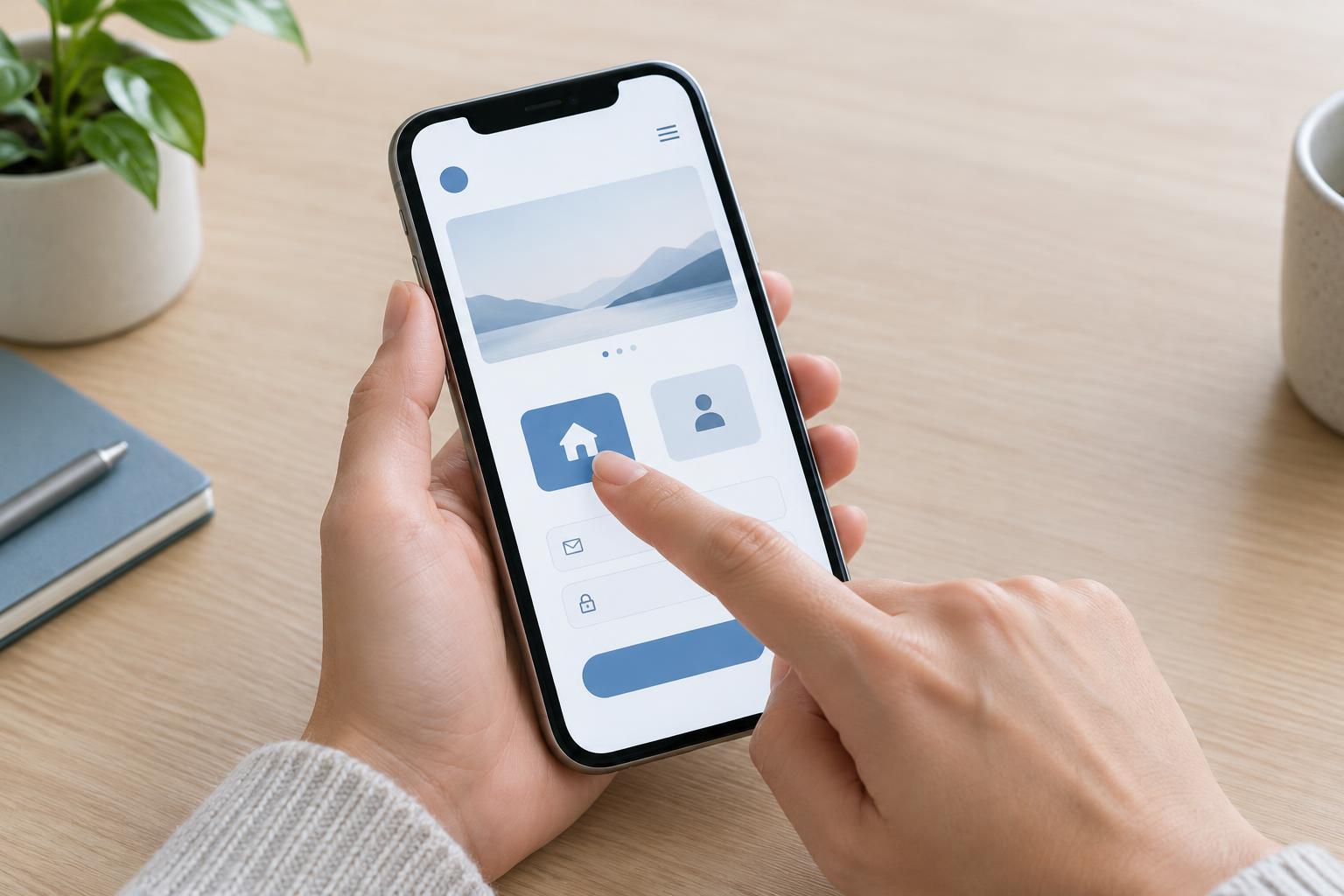
Accessible DesignSmall links and crowded controls can make a mobile site frustrating to use. Learn how to give buttons, icons, menus and form controls more usable touch areas, then check them on a real device.
Read article · 4 min↗
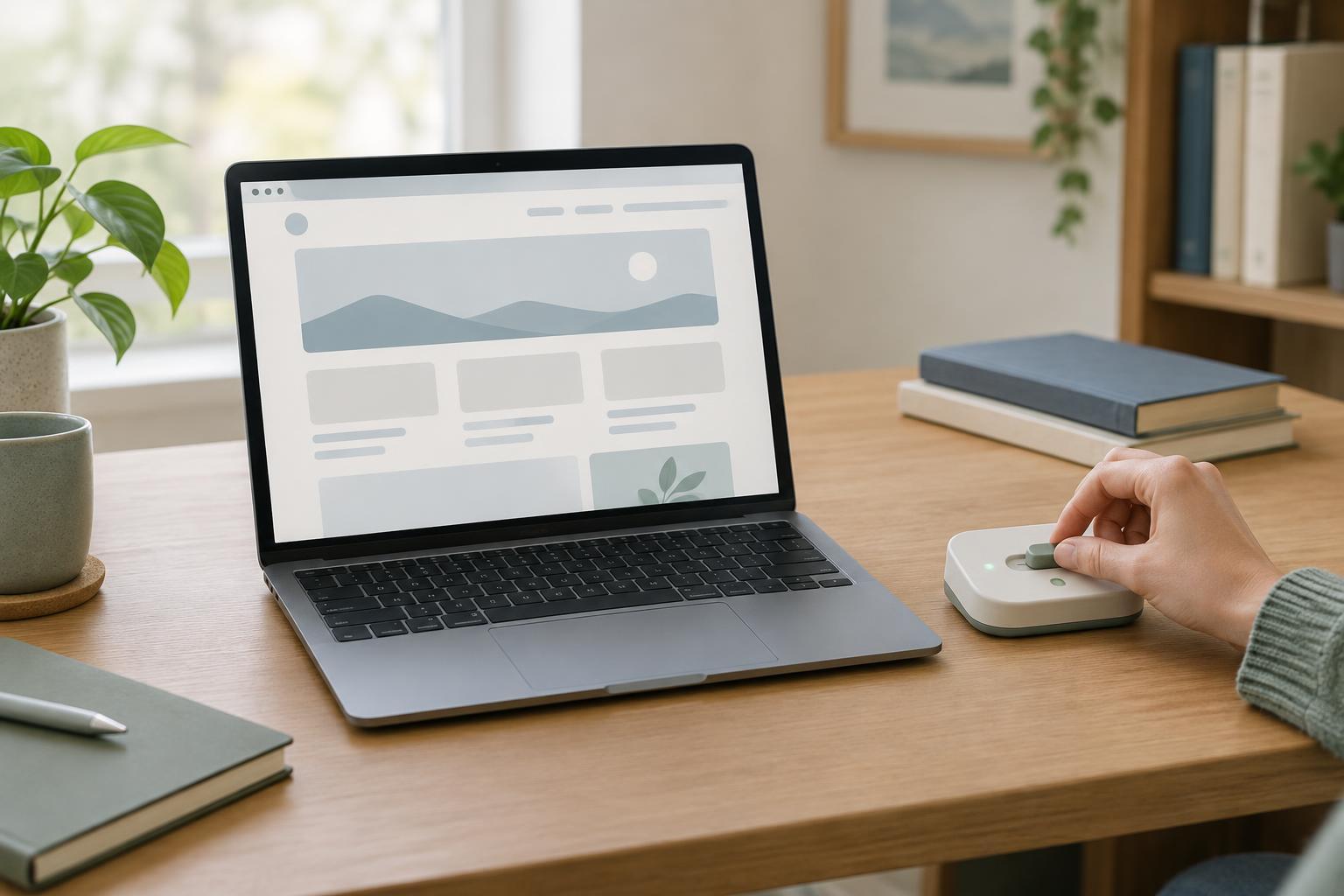
Accessible DesignAnimation can help explain a change, but it can also distract or cause discomfort. Learn how to identify unnecessary movement, respect reduced-motion settings, and test the experience without losing useful feedback.
Read article · 3 min↗
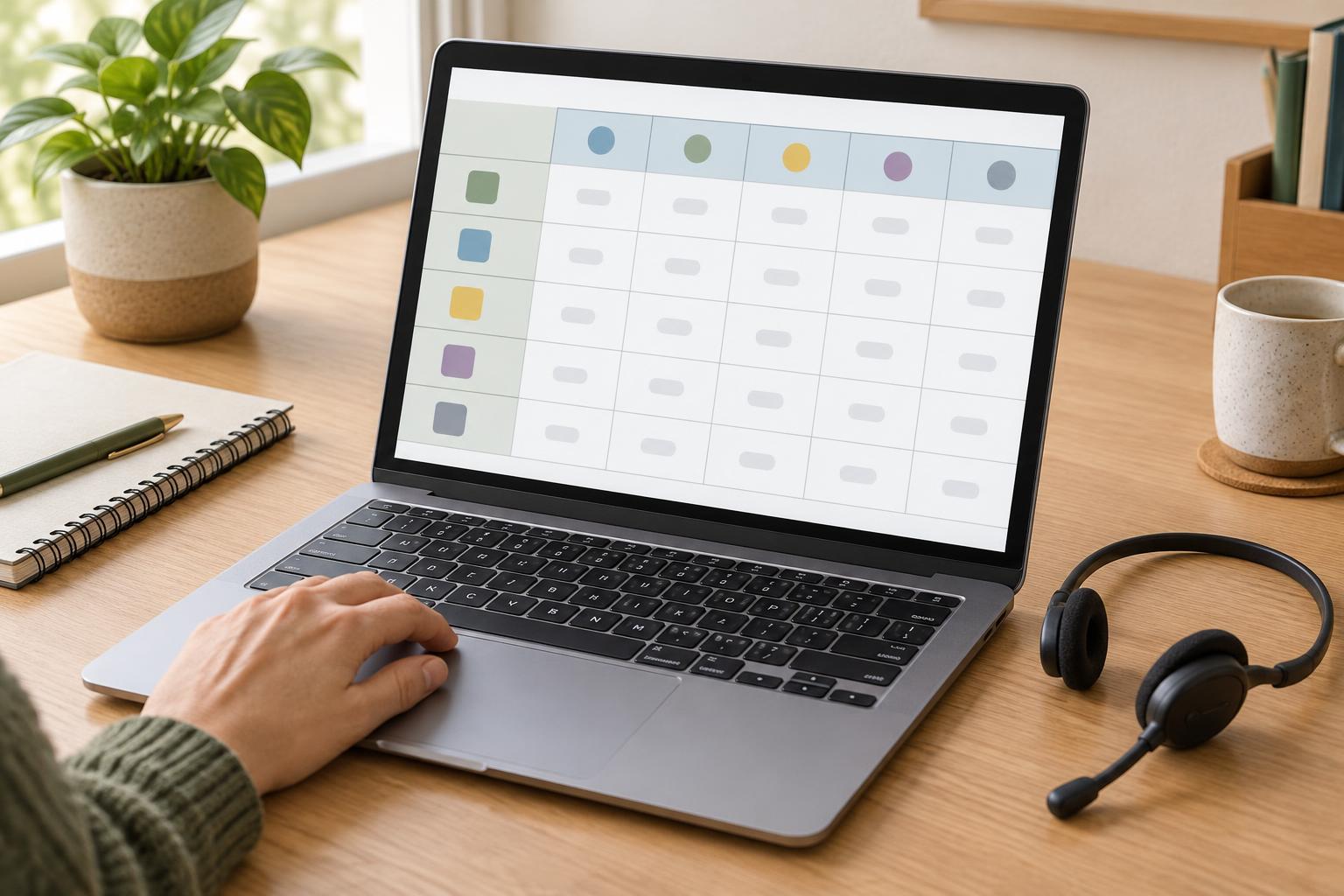
Accessible DesignA practical guide to organizing data tables so readers can identify what each value means, whether they scan visually, use a keyboard, or navigate with a screen reader.
Read article · 4 min↗

Accessible DesignCaptions make spoken words and meaningful sounds available to people who cannot hear a video clearly. This guide shows small website teams how to draft, edit, publish and check captions without turning the task into a large production project.
Read article · 4 min↗
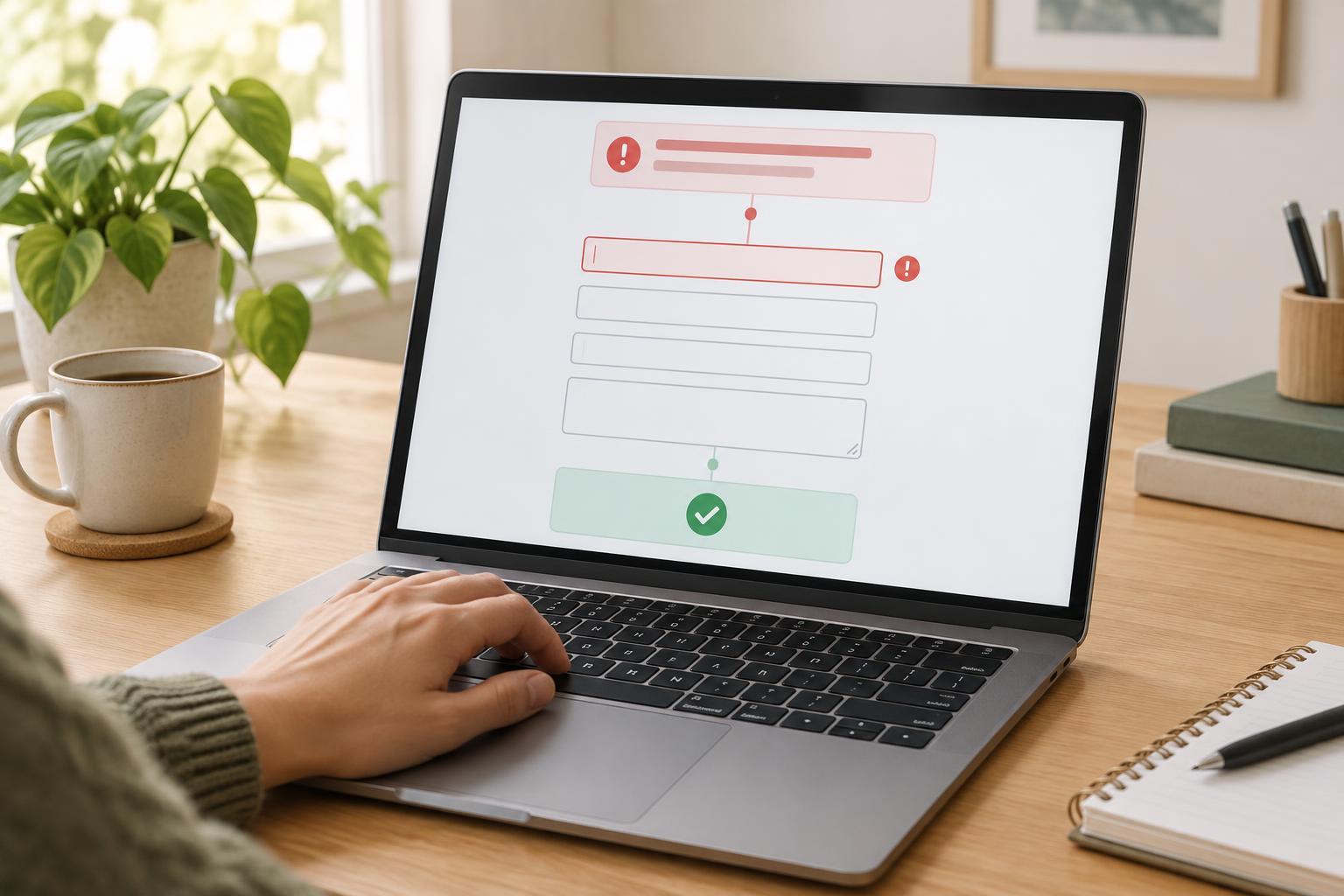
Accessible DesignA form error should help someone finish the task, not send them searching for what went wrong. Use clear field messages, a helpful summary, and predictable focus and validation behavior so people can recover without losing their work.
Read article · 4 min↗
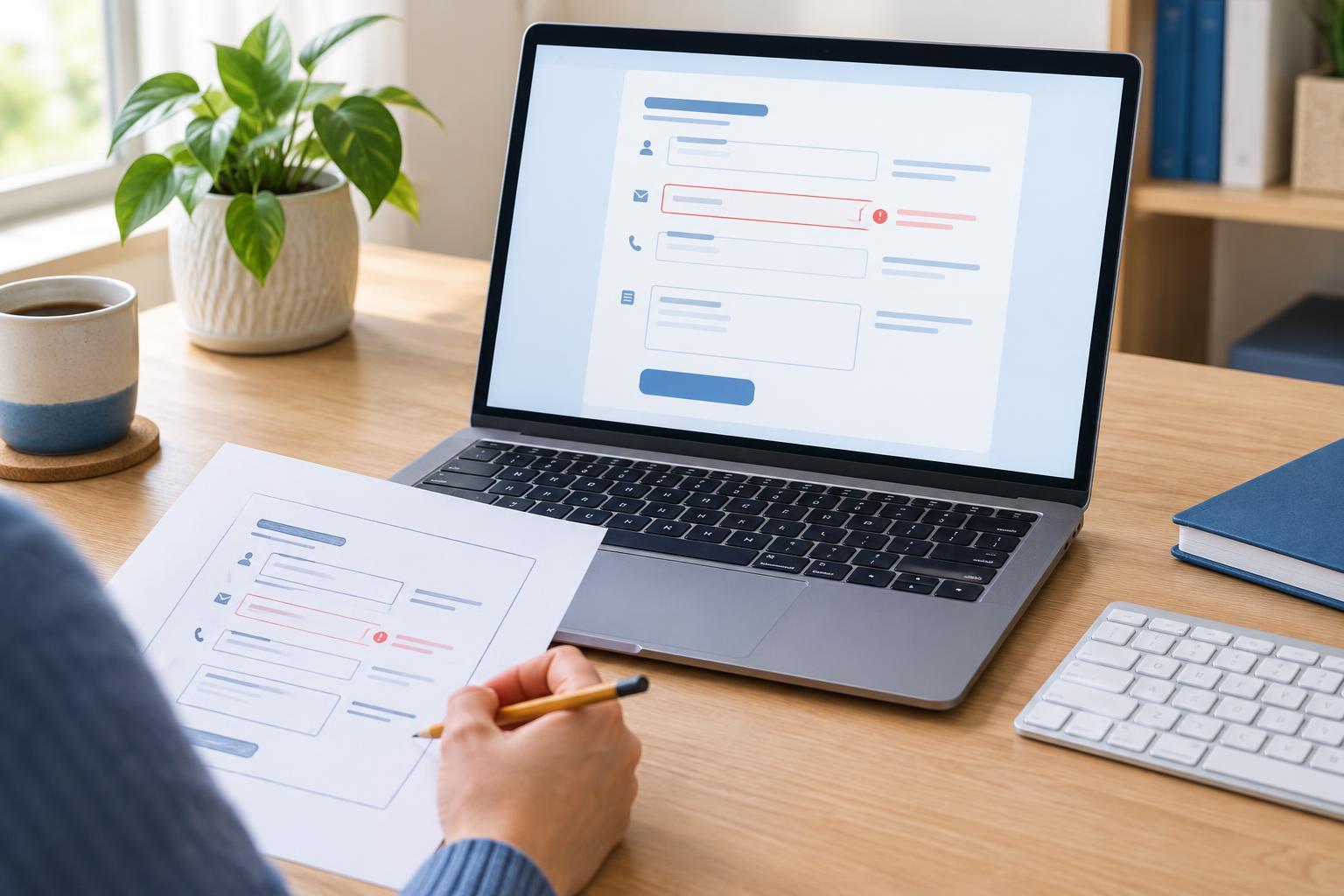
Accessible DesignA form is easier to use when people can tell what each field asks for, which details are required, and how to fix a mistake. This guide shows small website teams how to write labels and instructions, place them where they help, and check the result before publishing.
Read article · 4 min↗
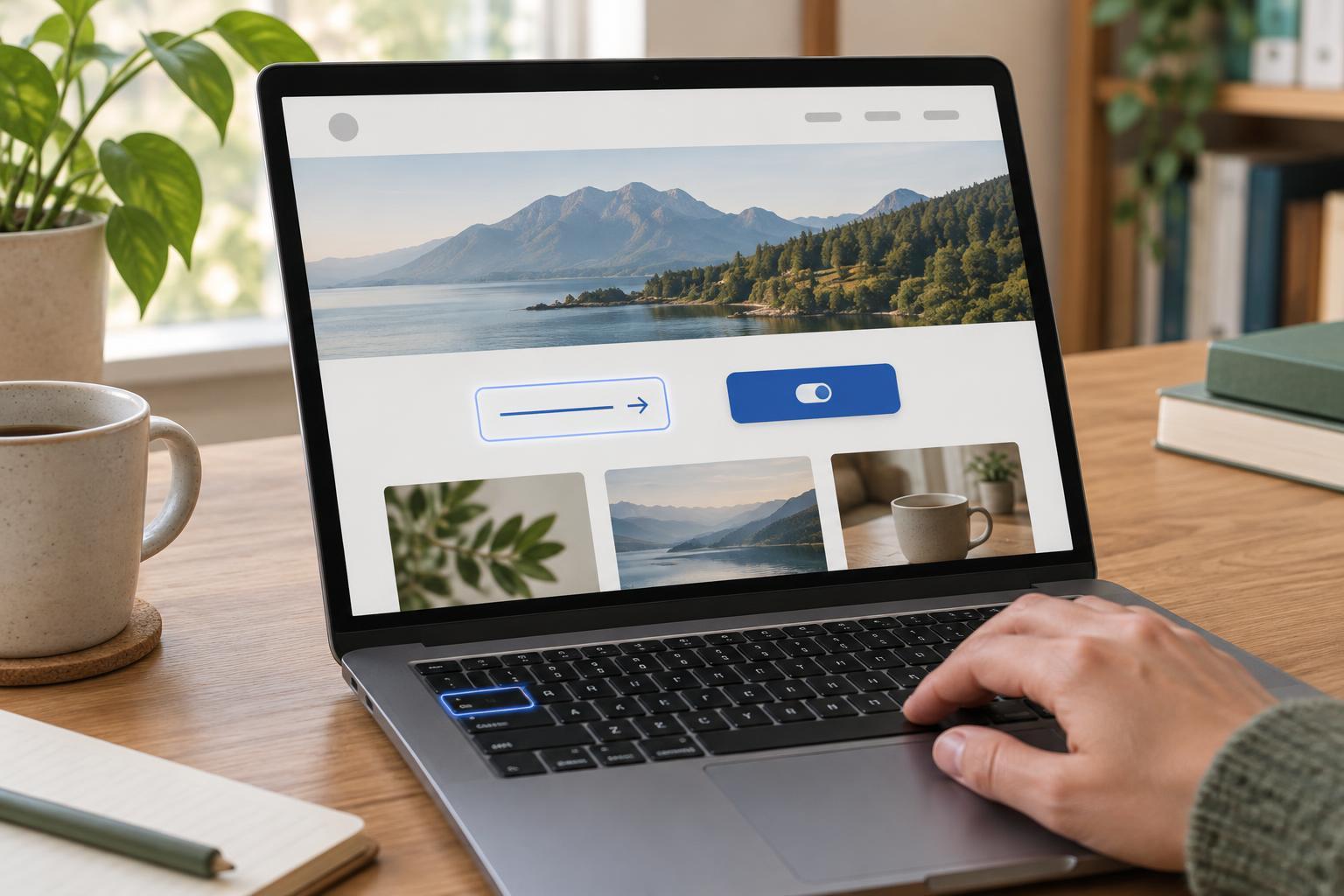
Accessible DesignA control can look like a button without being one. Learn when to use a link, when to use a button, and how that choice makes a small website easier to navigate with a keyboard or assistive technology.
Read article · 4 min↗
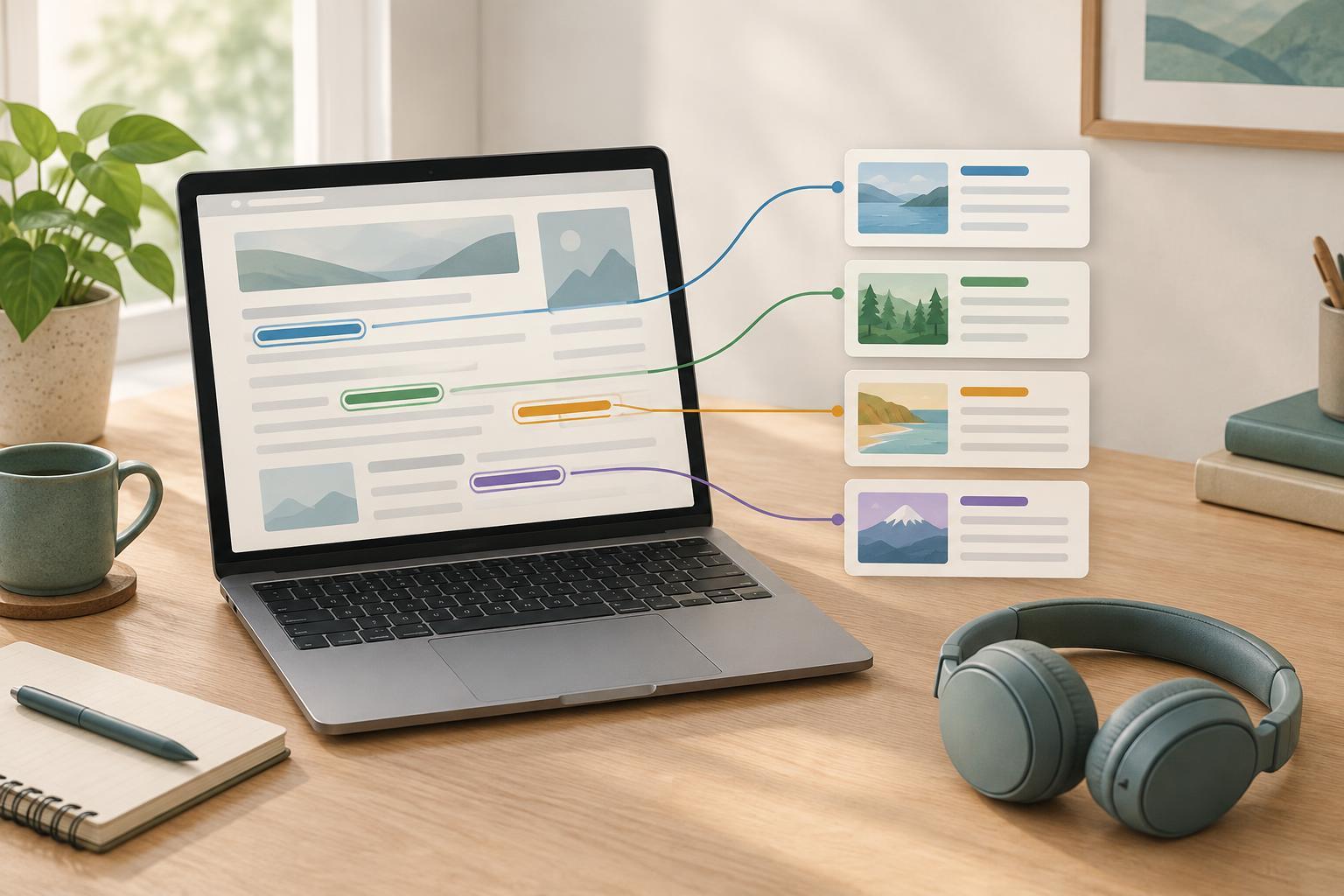
Accessible DesignClear link text helps visitors decide where to go, whether they are scanning a page visually or moving through links with a screen reader. Learn how to replace vague labels, handle repeated links and review links across a small website.
Read article · 4 min↗
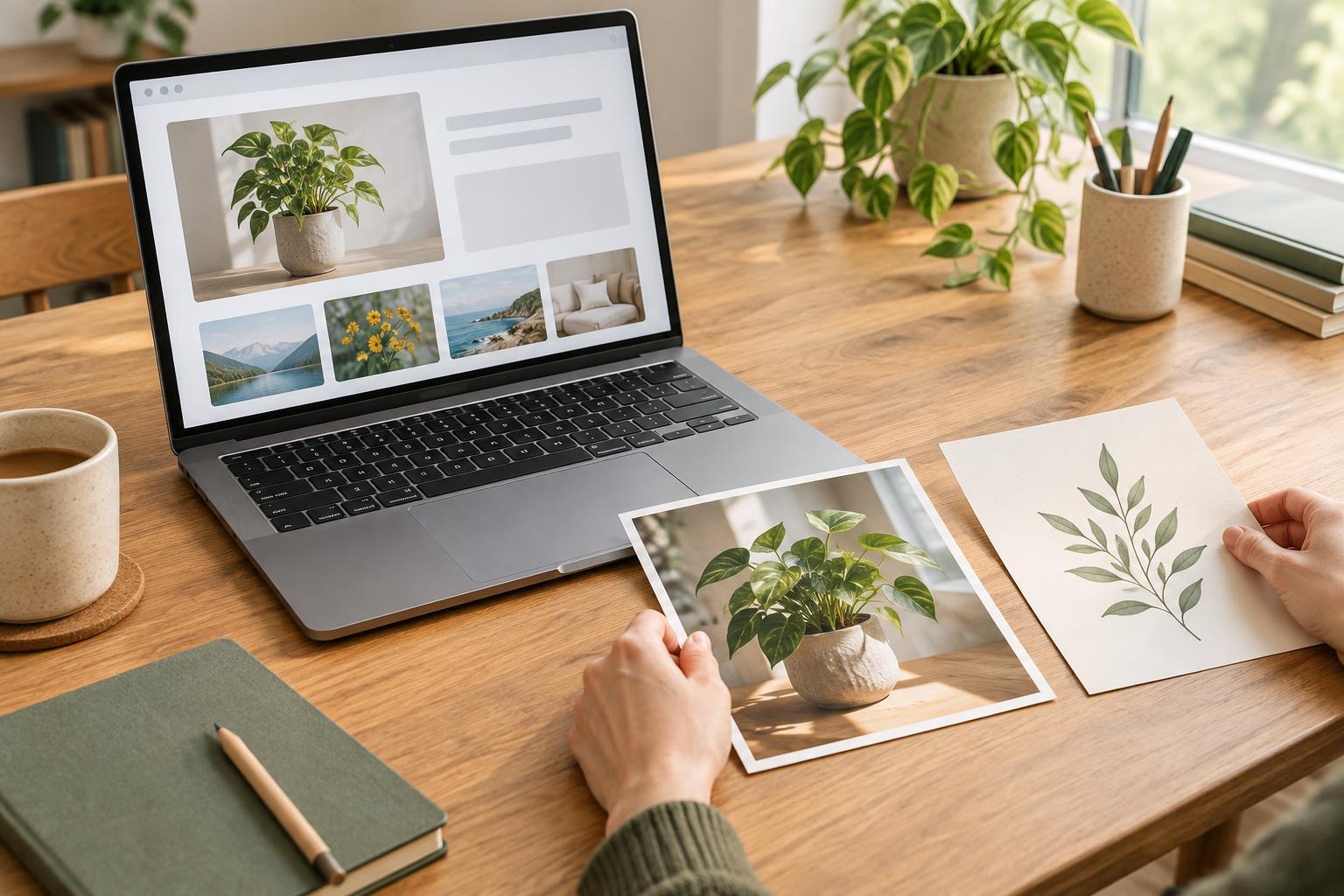
Accessible DesignAlt text helps people understand images they cannot see. Learn how to decide which images need a description, which can have empty alt text, and how to make the decision part of a small website’s publishing workflow.
Read article · 4 min↗
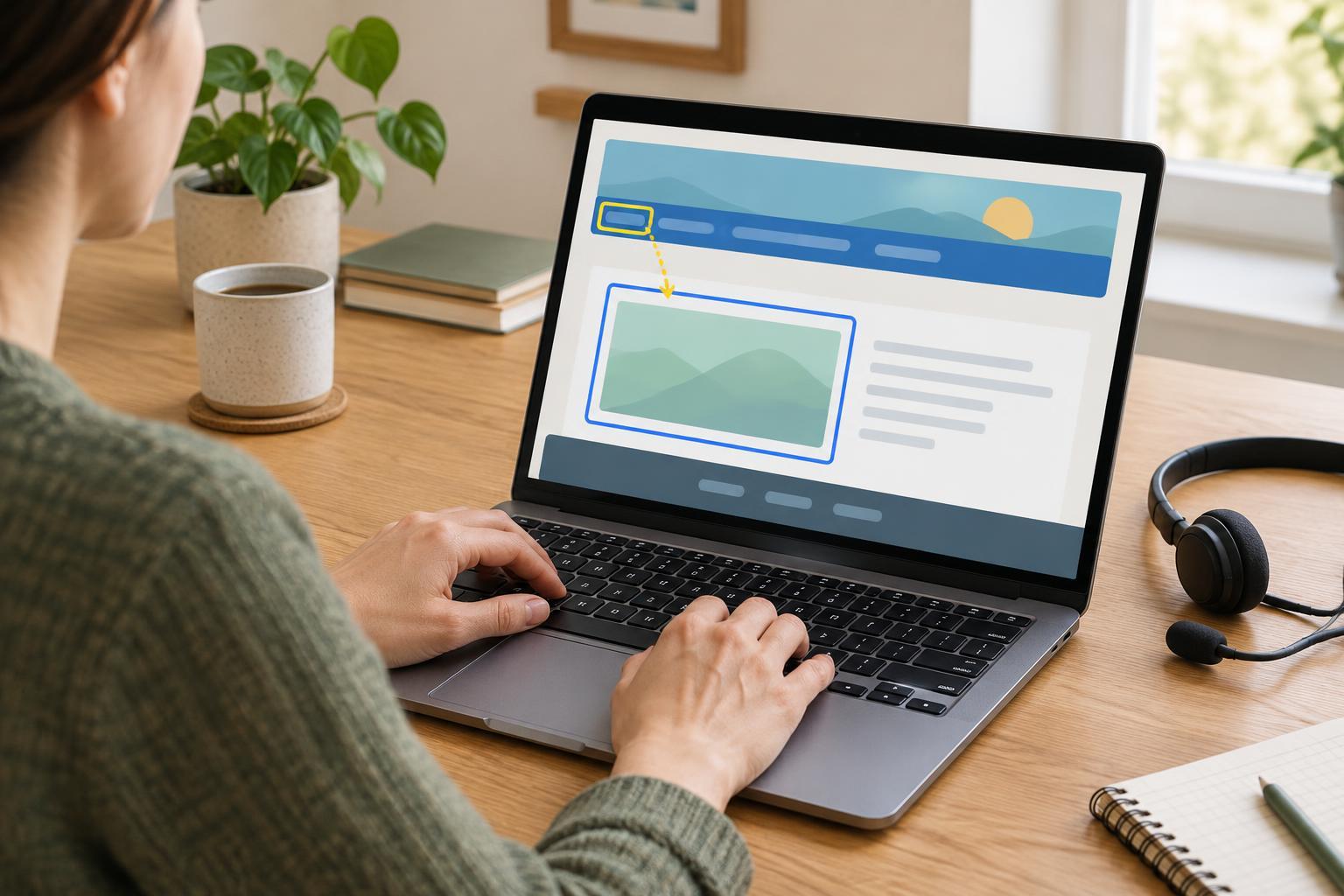
Accessible DesignLandmarks give visitors a map of a page, while a skip link offers a quick route past repeated navigation. Learn how to add both to a small website and check that they work with a keyboard and screen reader.
Read article · 4 min↗
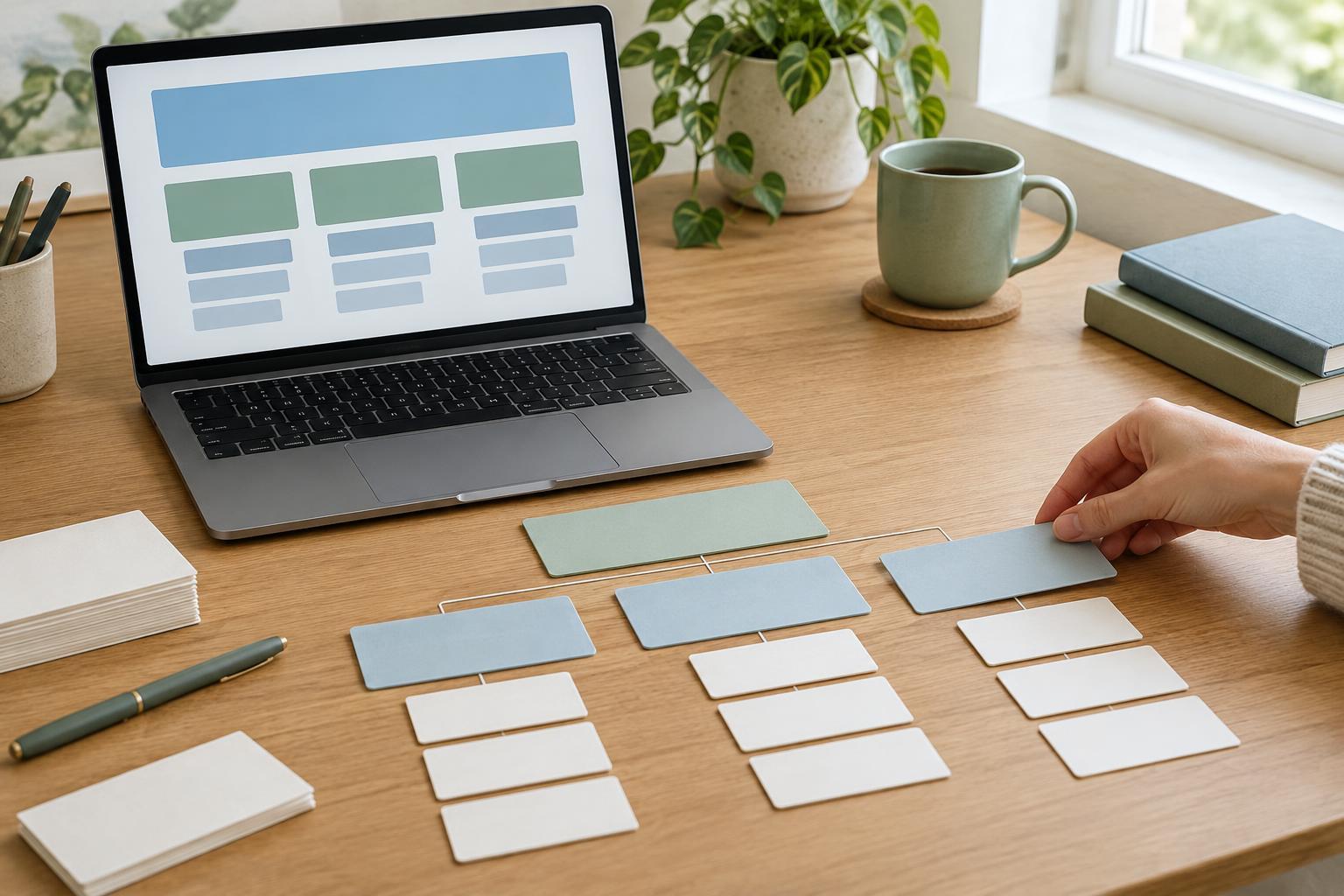
Accessible DesignA heading hierarchy helps visitors scan a page and understand how its ideas fit together. Learn a practical way to plan page headings, choose heading levels, and check the result before publishing.
Read article · 4 min↗
Accessible DesignA visible keyboard focus indicator helps visitors know where they are as they move through a page. Learn how to choose a clear style, apply it consistently, and test it across common website tasks.
Read article · 4 min↗
Accessible DesignA keyboard-only check can reveal links you cannot reach, menus that trap focus, and forms that are hard to complete. Use this practical route through a small website to find problems, record them, and retest fixes.
Read article · 4 min↗
Accessible DesignLarger text should not turn a useful page into a puzzle. Learn how to plan flexible layouts, keep controls readable, and test a small website with browser zoom and text enlargement.
Read article · 4 min↗
Accessible DesignReadable type is less about finding a perfect font and more about making text comfortable across screens, settings, and reading needs. Use this practical guide to choose a dependable typeface, set useful line lengths and spacing, and test a small website without turning typography into a large redesign.
Read article · 4 min↗

Accessible DesignColor can make a small website easier to scan, but it should not be the only way to identify a chart series or understand a status message. Learn how to add labels, text, shapes and clear structure without making the page feel crowded.
Read article · 4 min↗
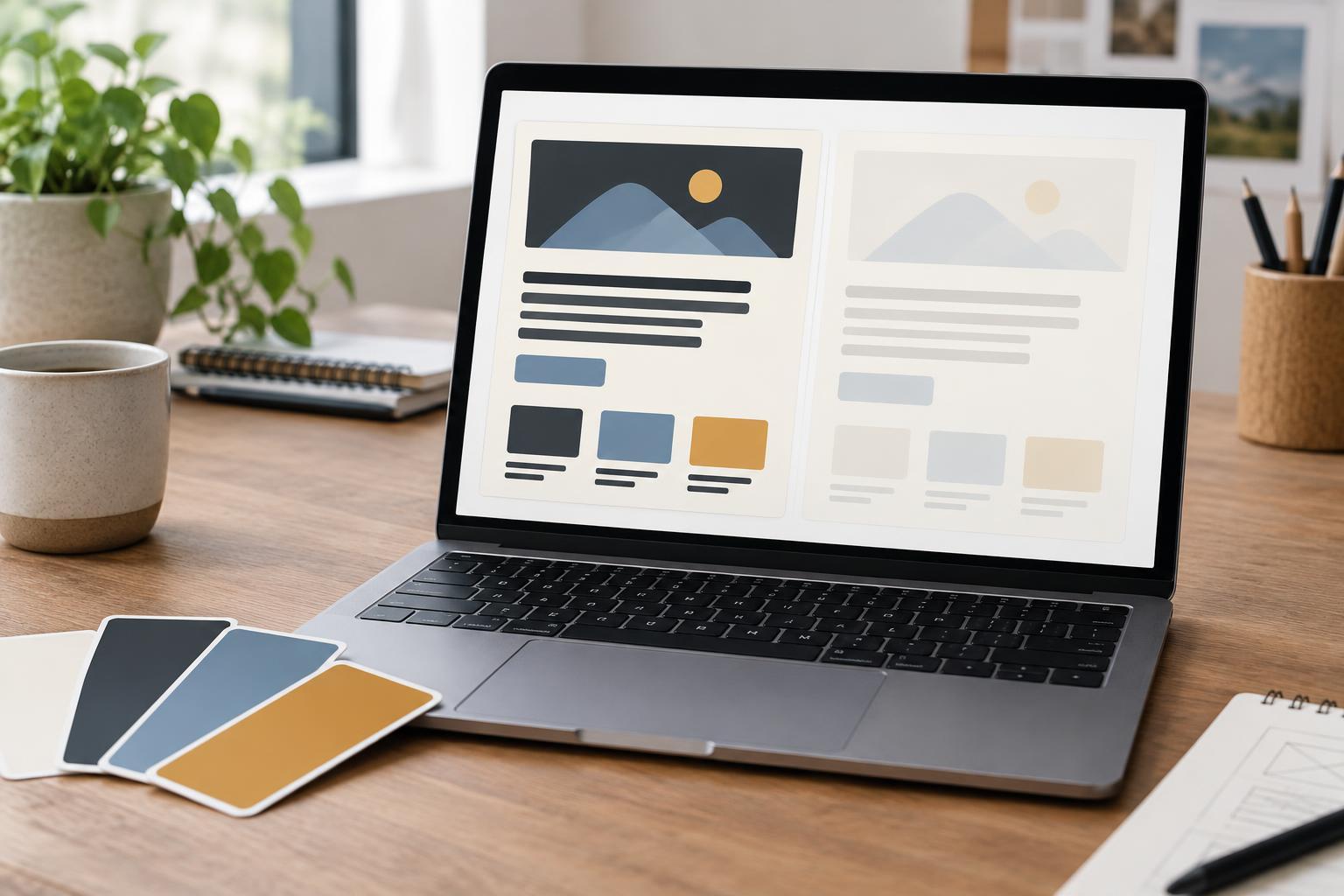
Accessible DesignA practical way to choose readable color pairs for a small website: start with common text, check contrast ratios, test real page states, and document approved combinations so future content stays legible.
Read article · 4 min↗
Accessible DesignWCAG can seem like a long checklist, but its levels have a straightforward purpose. Learn how Level A and AA relate, what they mean for everyday website tasks, and how a small team can make steady accessibility improvements.
Read article · 4 min↗