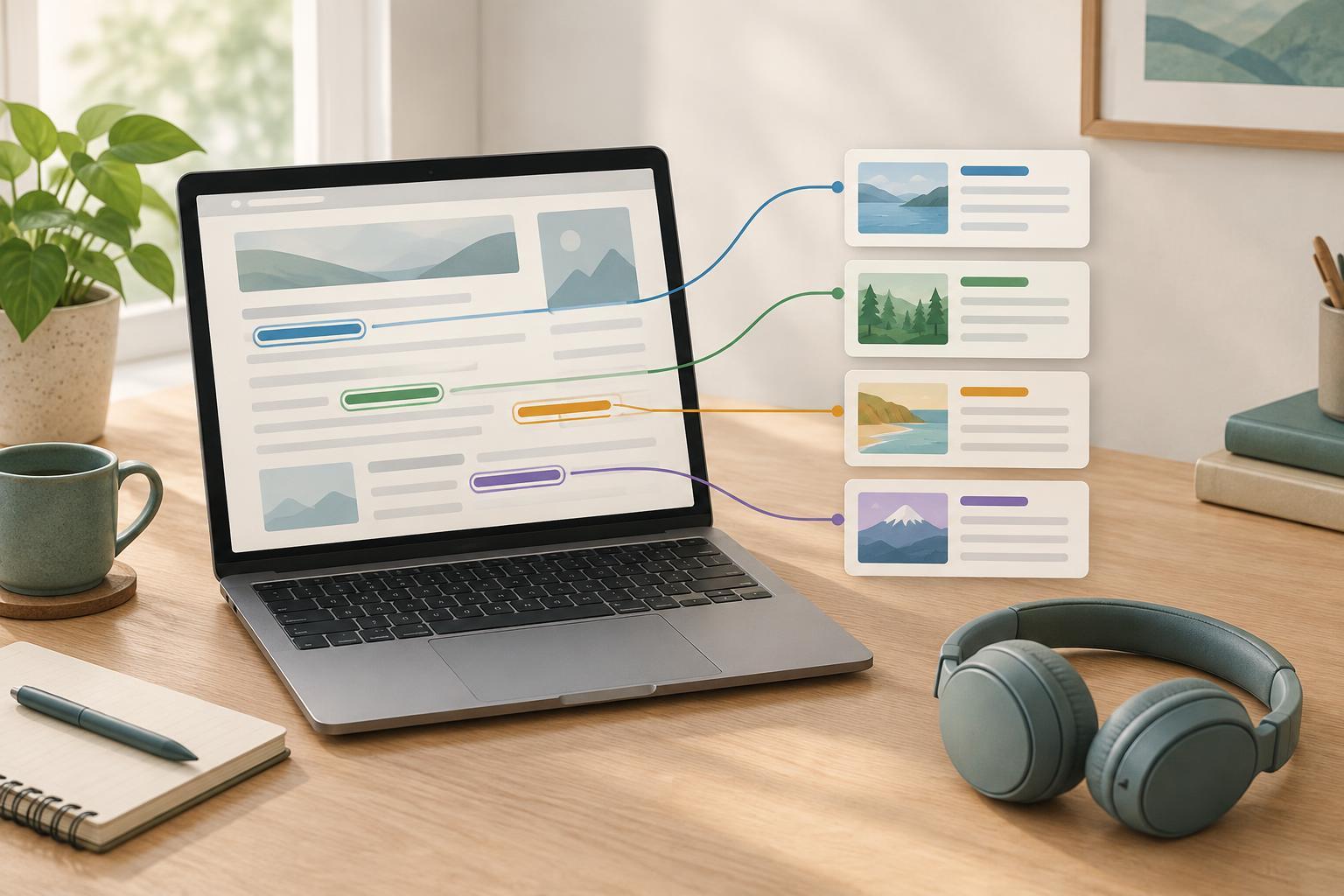
Why the words in a link matter
A link is a small promise: its text should tell someone what they can expect when they activate it. That promise is harder to understand when the link says only “click here,” “learn more” or “read this.” Those phrases depend on the surrounding sentence. A visitor scanning a page may miss that context, and someone using a screen reader may choose to move through a list of links rather than listen to every paragraph.
Good link text does not need to describe an entire destination. It needs to provide enough information to distinguish that destination from the other choices on the page. “View workshop dates” is more useful than “view details” because it names what the visitor will find. On a small website, this often takes only a short edit rather than a redesign.
Name the destination, not the action
Start by asking what a visitor wants to find or do. Then make that the link text. Instead of “Click here for our opening hours,” link the words “opening hours.” Instead of “To see our services, go here,” link “our services.” The surrounding sentence can still add context, but the linked words should carry the main meaning on their own.
Keep labels concise without making them cryptic. “Accessibility information” is clearer than “Information,” while a full sentence inside a link may be more than a visitor needs to identify it. Use familiar words from the destination page where possible. If a page is titled “Volunteer opportunities,” a link with that wording sets a more reliable expectation than a clever label such as “Join the adventure.”
The label should also match what happens next. A link saying “Download the guide” should lead to a download, not to a page where the visitor must first search for the guide. If the destination is a file, adding its type can be helpful when that affects the choice: “Download the event checklist (PDF).” You do not need to attach a warning to every link; give extra detail when it helps someone decide whether to follow it.
Make repeated links distinguishable
Cards, news lists and project galleries often repeat the same call to action. Five links labeled “Read more” may look orderly, but the labels provide little help when encountered without their cards. A straightforward fix is to include the subject: “Read more about the garden project” and “Read more about the repair workshop.” If a heading and a separate link both go to the same page, consider making the heading the link instead of adding another vague link below it.
Consistency matters too. If two links have the same text, visitors will generally expect them to lead to the same place. If they go to different destinations, make the labels more specific. Conversely, you do not need several different labels for one important page merely to avoid repetition. A consistent “Contact us” link in navigation and the footer is easy to recognize.
Check links without visible words
Not every link looks like a line of text. A linked logo, photograph or icon also needs a meaningful name. For a logo that returns to the home page, an image description such as “Small Site Workshop home” can communicate the link’s purpose. A magnifying-glass icon that opens search needs a name such as “Search.” Decorative images beside an already descriptive text link should not add redundant words to the link’s name.
These details often live in a website template rather than in an individual article. Check the rendered page, not just the words in the editor. If an icon-only link has no accessible name, or a linked image is announced as a file name, fix the template or ask whoever maintains it to help. A short, accurate name is preferable to an elaborate description of how the icon looks.
Use a quick link-text review before publishing
After drafting a page, read only its links in order. Ignore the surrounding paragraphs for a moment. Can you tell what each link offers? Can you distinguish links that lead to different places? Look especially for “here,” “more,” bare URLs and repeated card labels. Then check that each link actually leads where its label suggests.
For an existing site, review one high-traffic template or one section at a time rather than trying to rewrite every page at once. Navigation, service pages and lists of articles are useful places to start because their links help visitors choose a path. Keep a few clear labels in your content guidelines so future contributors have examples to follow. The goal is not to make every link long; it is to make each choice understandable before someone has to take it.


