
Maintenance and SecurityWhen a contributor leaves, removing their CMS account is only part of the job. Use this checklist to transfer unfinished work, review connected services, retire credentials, and confirm the site still runs smoothly.
Read article · 4 min↗

Maintenance and SecurityA small website may depend on several important logins, from its hosting account to its domain registrar. Learn how to use a password manager to give each account a distinct password, organize access, and prepare for recovery without making routine maintenance harder.
Read article · 4 min↗

Maintenance and SecurityMultifactor authentication adds a second check when someone signs in to manage a website. This guide walks small teams through choosing a method, protecting the accounts around a site, preparing for lost devices and checking that the setup works.
Read article · 4 min↗
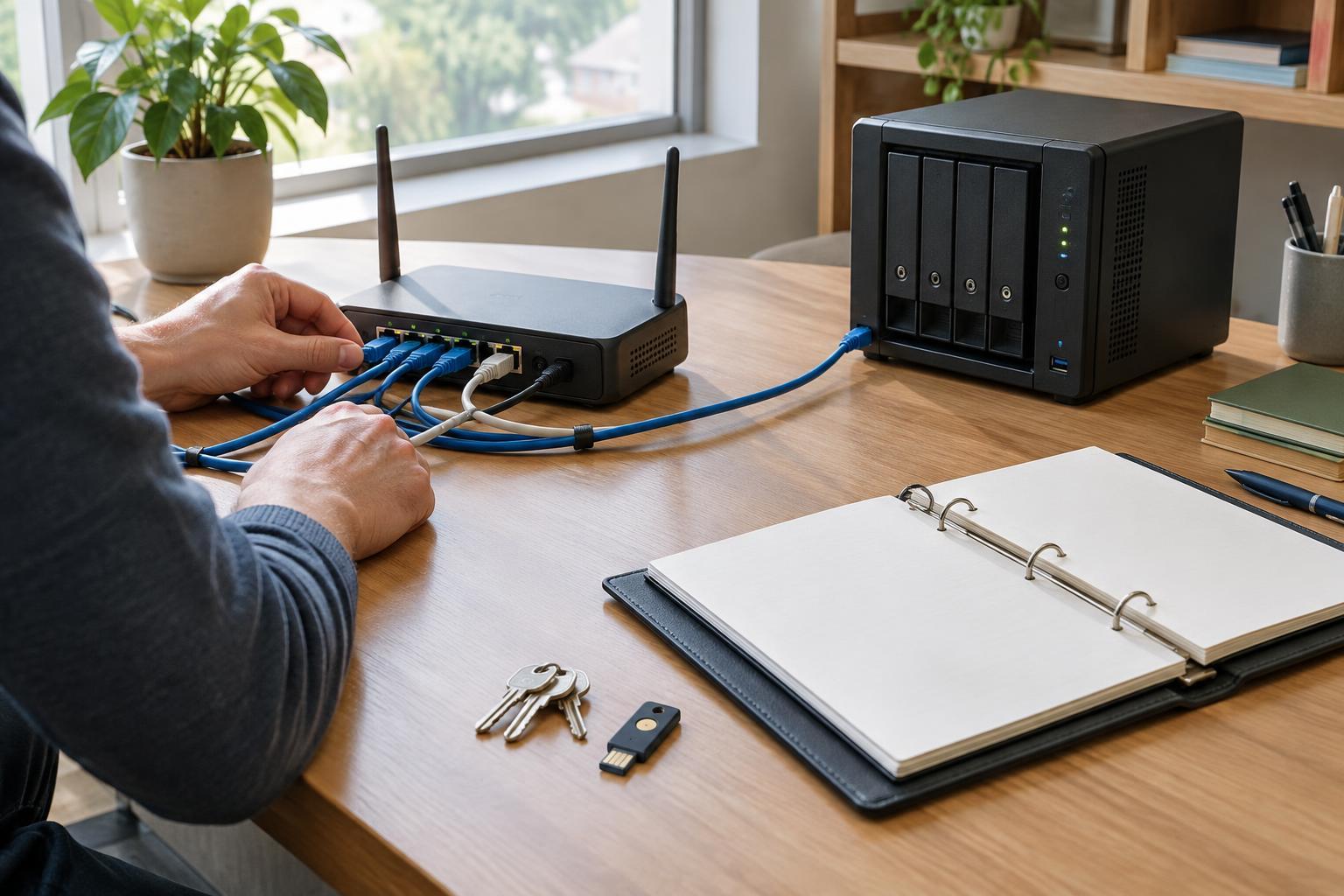
Maintenance and SecurityA small website can have reliable hosting and still disappear from view if nobody can renew its domain or manage its DNS records. Build a simple ownership record, protect access, document critical settings and rehearse recovery before an urgent change is needed.
Read article · 4 min↗
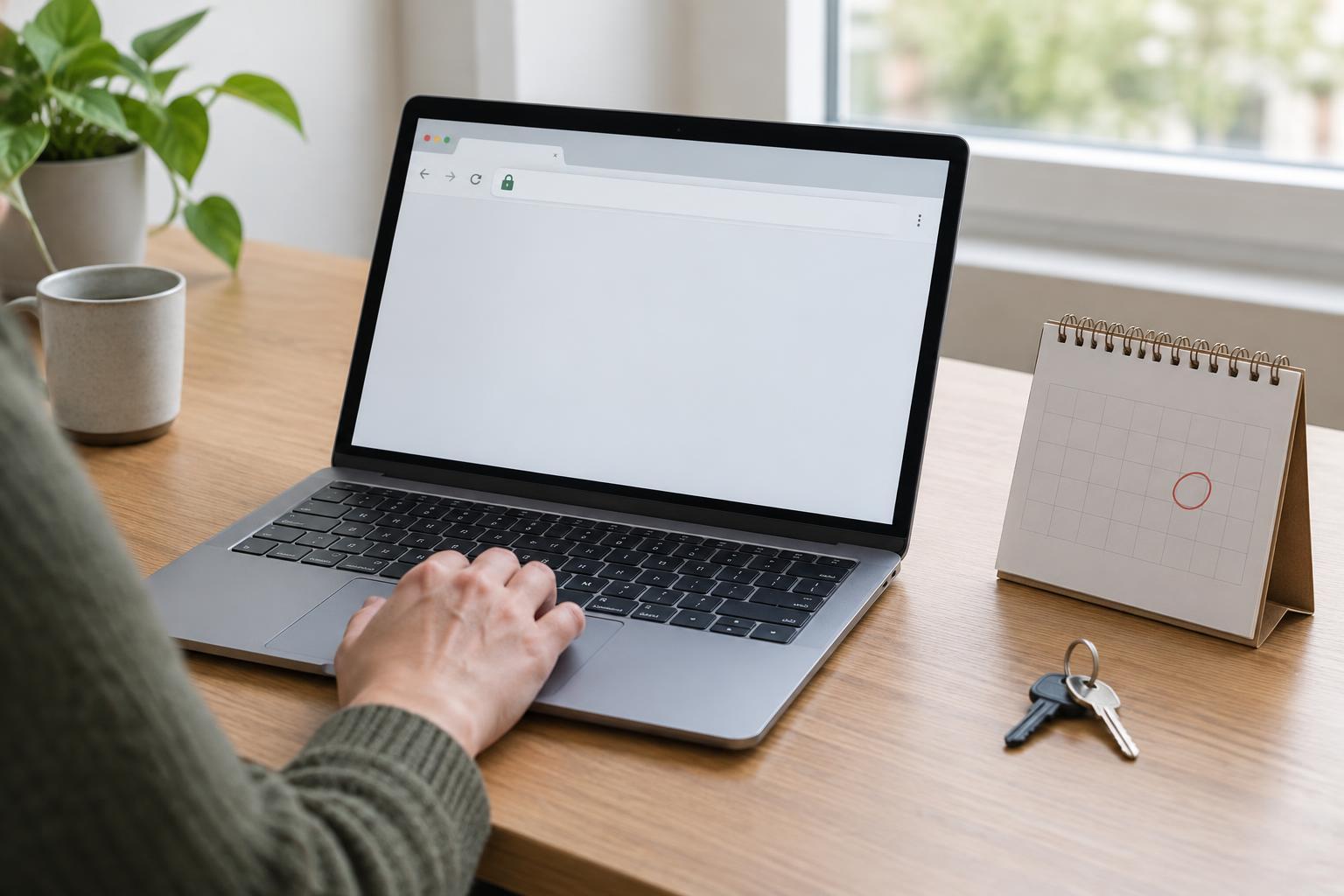
Maintenance and SecurityAn HTTPS certificate can be set to renew automatically and still fail when a domain, server, or deployment process changes. Use this practical routine to check what visitors receive, understand how renewal works, and catch problems before a certificate expires.
Read article · 4 min↗

Maintenance and SecurityA plugin can solve a small website problem quickly, but it also adds software you must maintain. Use this practical review to check its purpose, update history, compatibility, support and security signals before you install it.
Read article · 4 min↗

Maintenance and SecurityA staging site gives you a place to check updates before visitors encounter them, but it is not a perfect copy of the live site. Learn which changes to test where, how to keep staging safe, and what to check after a release.
Read article · 4 min↗

Maintenance and SecurityUpdates help keep a small website secure and working, but they can also reveal conflicts or change familiar features. A simple routine of inventory, backups, staged testing, and follow-up checks makes updates easier to manage.
Read article · 4 min↗
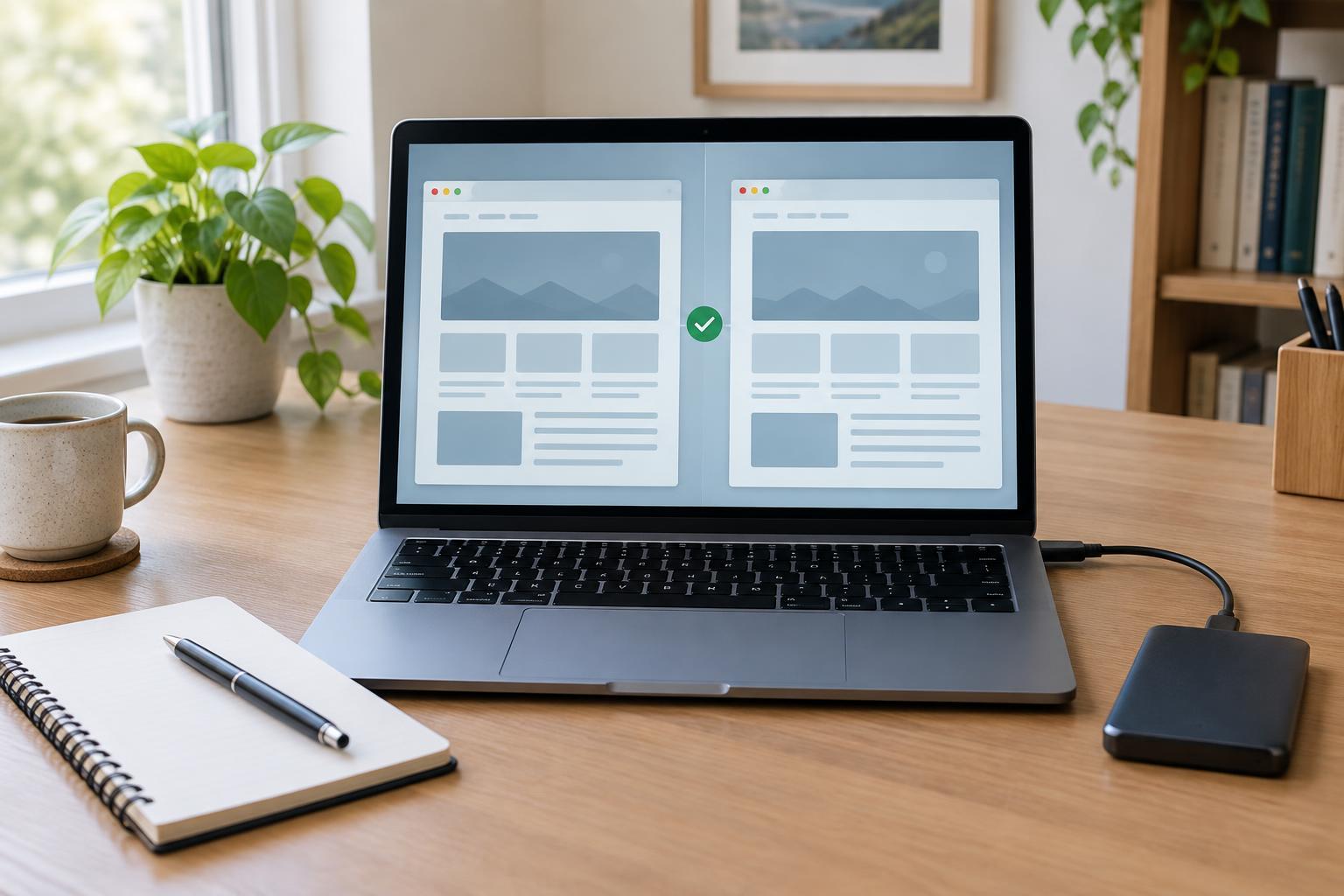
Maintenance and SecurityA backup is most useful when you know how to restore it. This practical test uses a separate environment to check that your files and database work together, key pages function, and your recovery notes are clear enough to follow when something goes wrong.
Read article · 4 min↗

Maintenance and SecurityA useful backup plan starts with two questions: how much work could you afford to redo, and what would you need to restore the site? Use those answers to set a manageable schedule, choose storage away from the website, and test that recovery works.
Read article · 4 min↗