Start with the reading task
Typography should help visitors find information and follow it without extra effort. Before changing a font, look at the pages people actually need to read. A short contact page, a service description, and a long article place different demands on text. Check whether headings make the page easy to scan, whether body paragraphs feel comfortable, and whether labels remain clear in forms and navigation.
Treat your choices as a small system rather than styling each page separately. Define a body style, a few heading levels, and styles for supporting text such as captions or form hints. Consistency helps visitors recognize what is important, and it makes future updates easier for anyone maintaining the site.
Choose fonts for clarity and reliability
A familiar, well-made font is usually a safer starting point than a distinctive display face used everywhere. Try a few candidates with real site content, including long paragraphs, numbers, punctuation, and words that might wrap awkwardly. Look closely at commonly confused characters and at text in smaller interface elements. A decorative font may work for a short heading while making instructions or articles tiring to read.
You do not need many font families. One versatile family can often handle an entire small site through changes in size and weight. If you use a web font, specify a suitable fallback so the page remains legible while the font loads or if it does not load at all. Check that the weights you use are available; relying on a browser to invent a bold or light version can produce uneven results. Choose type for the people reading the site, not only for how a homepage looks in a mockup.
Give lines a comfortable width
When text stretches across a wide screen, readers may struggle to find the beginning of the next line. When a column is too narrow, frequent line breaks can interrupt the flow. A moderate maximum width for the main text column gives long-form pages a useful starting point, while the layout can narrow naturally on smaller screens. There is no single ideal character count for every font, language, or reading task.
Review line length alongside font size and spacing rather than in isolation. Increasing the font size changes how many words fit on a line; enlarging the gap between columns changes the available space too. On a phone, leave enough room for text without squeezing it between oversized margins. On a desktop, avoid letting article paragraphs expand simply because the screen is wide. Navigation, tables, and forms may need different widths from the main reading column.
Use spacing to show structure
Line spacing should give letters room without making each line feel detached from the next. Start with a comfortable setting for body text, then inspect a full paragraph rather than a single sentence. Headings often need different spacing so they read as part of the section they introduce. Use clear gaps between paragraphs and sections; do not rely on extra blank lines or repeated spaces typed into the content.
Spacing can also make links and controls easier to use. Give navigation items and buttons enough separation to distinguish them, and make link text identifiable without depending on color alone. Keep supporting text readable instead of shrinking it to fit a tight layout. If a caption, error message, or form hint matters to a visitor’s task, it deserves enough size and contrast to be read comfortably.
Test the page as readers will encounter it
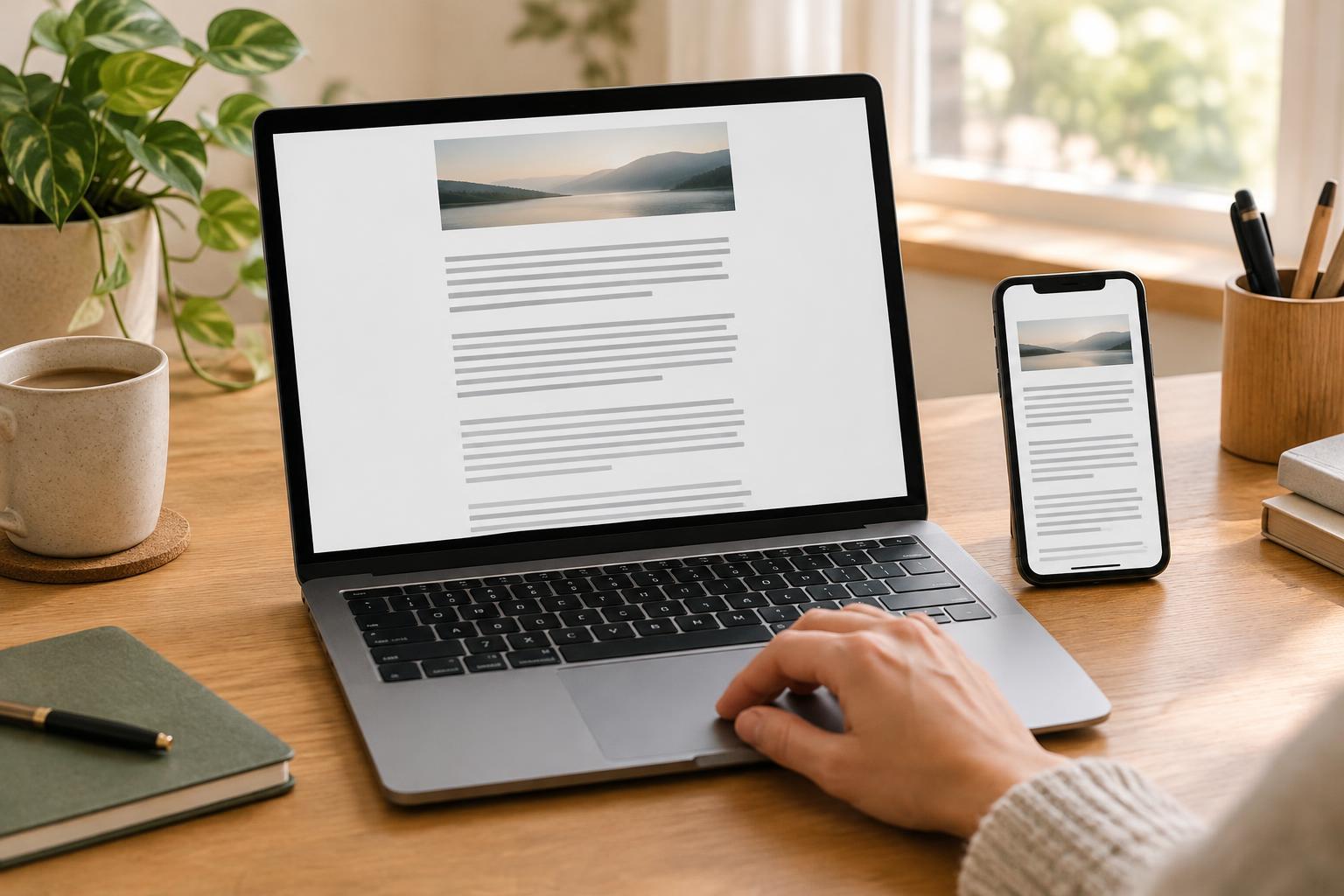
Check representative pages on a narrow screen and a wide one. Increase browser zoom, enlarge text where your device allows it, and see whether paragraphs, headings, menus, and forms still work without text being cut off or overlapping. Try keyboard navigation as well: a clear focus indicator should remain visible, and the reading order should make sense. These checks can reveal layout problems that a polished screenshot will not show.
Ask someone unfamiliar with the site to complete a simple task, such as locating an answer or filling in a form. Notice where they pause or reread. If several typography changes are possible, address the most disruptive issue first: perhaps a very wide text column, cramped line spacing, or tiny form labels. Then check the affected pages again. Readable typography is not a one-time decoration; it is a set of practical choices you can maintain as content grows.


