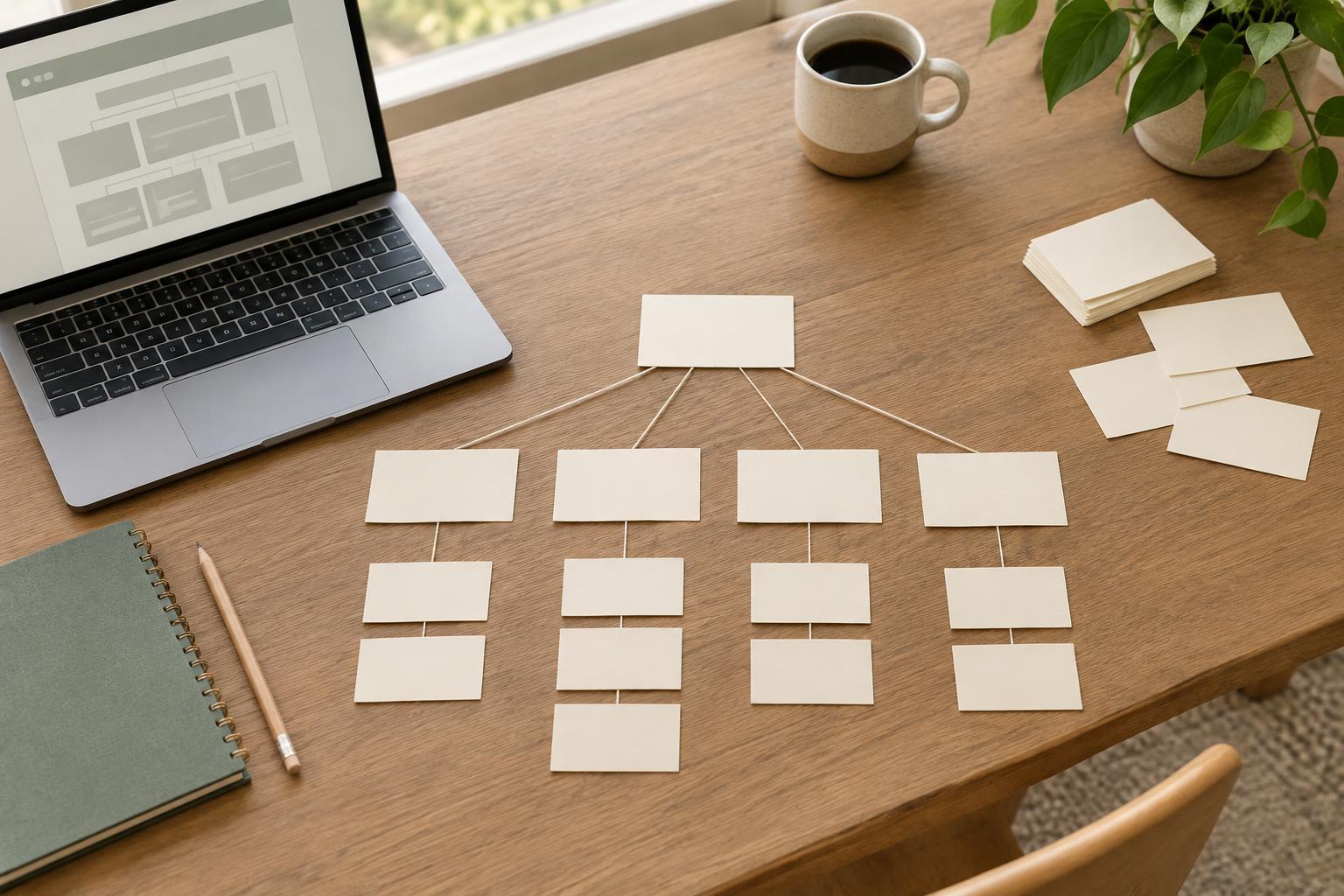
Decide what the page must accomplish
A wireframe is a rough plan for a page, not a preview of its finished appearance. Boxes, labels, and short notes show where content and actions might go. Because nothing looks polished yet, it is easier to ask a useful question: will this page help someone find what they came for?
Start with one page and one primary task. A service page might need to explain what is offered, who it is for, and how to make an enquiry. A contact page might need to make the preferred contact method obvious. Write the task at the top of your sketch. If the page serves several audiences, note their most important questions too, but avoid trying to give every question equal prominence.
Gather the content you already have before drawing. Note the page title, key facts, likely headings, links, forms, and any information the organization is obliged to provide. Flag missing or uncertain material. A wireframe can reveal content gaps, but it cannot solve them by filling boxes with vague promises.
Sketch structure, not decoration
Paper and a pen are enough. Draw a simple page outline, then add a header, the main content area, and a footer if the page needs one. Use plain labels such as “opening explanation,” “service details,” or “contact form” rather than drawing finished copy as tiny lines. Place the most useful information where a visitor will encounter it early, then arrange supporting details in a sensible reading order.
Make two or three quick versions instead of refining the first one. One version might put a short explanation above a list of options; another might lead with the options and put background information below. Changing the order takes seconds on paper. The point is not to produce more drawings, but to compare real choices before you commit to a layout.
Leave color, fonts, image treatment, and decorative shapes out of this round. If an image is necessary to understand the content, mark what it needs to communicate, not merely where a photograph will sit. A note such as “diagram explaining the three steps” is more helpful than a rectangle labeled “image.”
Check the reading order and smaller screens
A desktop-sized sketch can hide weak priorities because there is room to place everything side by side. Draw a narrow version alongside it. Decide what appears first when sections stack, whether navigation remains understandable, and whether an important action is separated from the explanation that supports it. You do not need exact screen measurements at this stage; you need a clear order that works when space is limited.
Follow the page from top to bottom as if you were reading it without visual shortcuts. Do the headings describe what comes next? Are instructions close to the form or action they explain? Does the page still make sense if a decorative image is unavailable? These checks do not replace accessibility testing, but they help you avoid structural problems before visual design makes them harder to change.
Get feedback on the right questions
Show a sketch to someone familiar with the organization and, when possible, someone who represents the intended audience. Explain the page’s main task, then ask what they would look for first and what they expect to happen next. Ask them to point out anything missing or confusing. Avoid asking whether they “like the design”: a rough sketch is not meant to answer that question.
Record feedback as decisions rather than collecting every suggestion as a requirement. If two people cannot find the contact option, its placement or label may need attention. If someone asks for a new section, check whether it helps the page’s main task or belongs elsewhere. Revising a wireframe should make the page easier to use, not simply fuller.
Carry the plan into visual design
Once the page’s content, order, and main action are clear, choose visual details that support those decisions. Typography can distinguish headings from body text. Spacing can group related material. Color can help identify actions without being the only signal that something is clickable. The wireframe provides a reason for those choices, while leaving room to adjust the layout as real content and technical constraints become clearer.
Keep the final sketch and a few notes with the project. Mark what was decided, what still needs content, and what should be checked in a working page. A wireframe is not a contract that every box must stay in place. It is a small, inexpensive way to make the next stage of the project more deliberate.