Start with the questions visitors bring
A homepage often has to serve several audiences at once. Someone may be checking whether your organization offers a particular service, while another visitor wants to contact you or find a resource. Before choosing a layout, write down the main reasons people might arrive. Use questions in their own terms, such as “Can you help with my project?” or “Where do I book an appointment?” This gives the page a job beyond presenting a general introduction.
You do not need a detailed audience study to begin. Review the questions people send through email or contact forms, then ask colleagues who speak with visitors what comes up repeatedly. Group similar needs into a short list. If the list is long, distinguish common, important tasks from information that can sit deeper in the site. The homepage should offer clear routes to useful pages, not try to contain every answer.
Choose a small set of meaningful next steps
For each main visitor need, identify the page or action that best answers it. A small organization might choose “Explore our services,” “See upcoming events,” and “Contact the team.” A freelancer might lead with “View selected work” and “Ask about a project.” These are more helpful than several buttons that all say “Learn more,” because visitors can predict what will happen when they select one.
Decide which action deserves the most attention, but avoid treating every link as equally urgent. A primary action can be prominent without hiding other routes. If visitors need information before they can make an inquiry, give them a path to that information. Keep routine tasks, such as finding opening hours or signing in, easy to locate when they matter to your audience. The right priorities come from visitor needs and the site's purpose, not from how many boxes a template provides.
Build a clear order for the page
At the top, say plainly who the site is for and what it helps them do. A specific sentence usually works harder than a broad slogan. Follow it with the most useful next step and a way to reach the main areas of the site. As visitors move down the page, use short sections to answer likely follow-up questions: what you offer, how it works, and where they can find details.
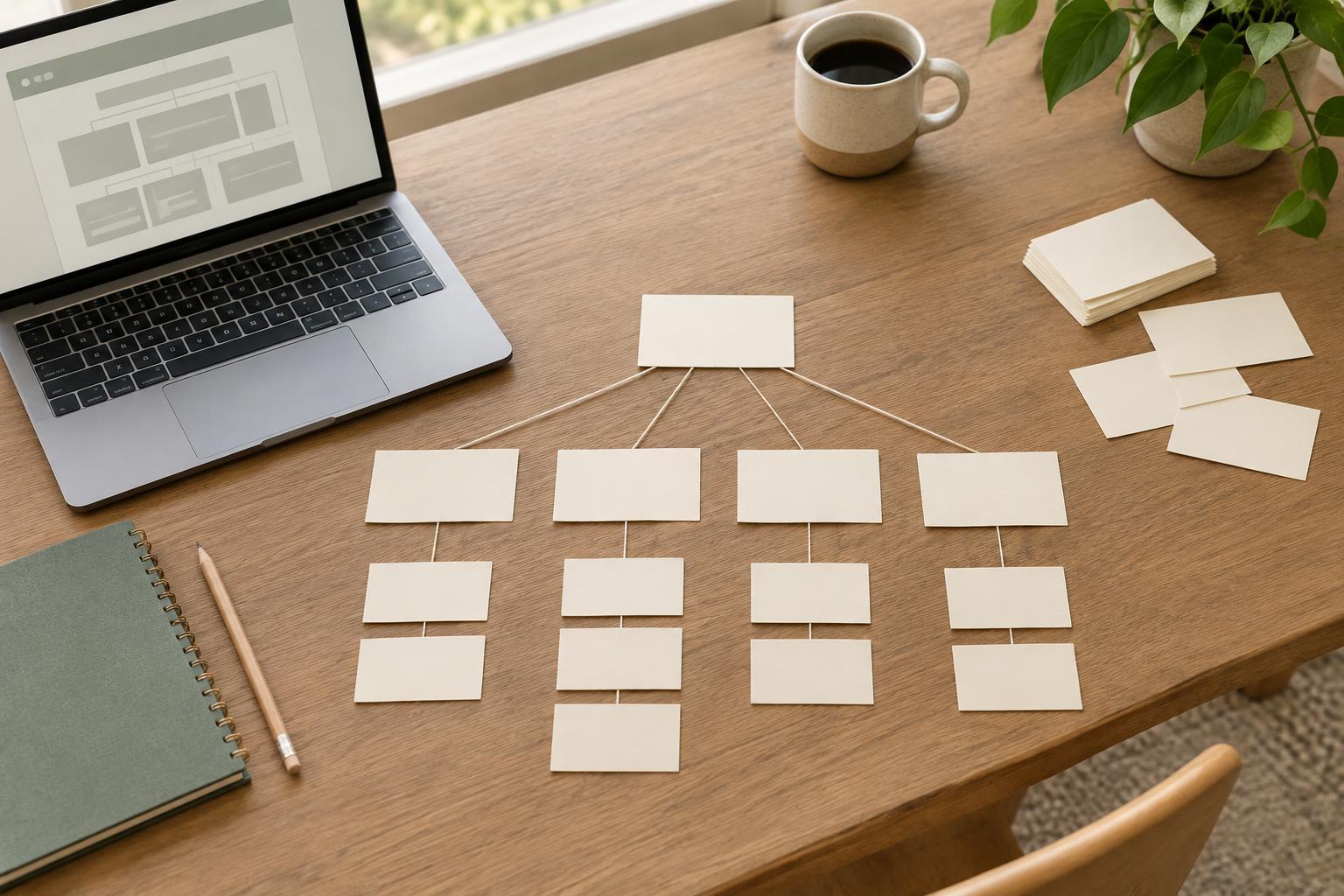
Plan the order as an outline before choosing images or visual effects. Give each section one purpose and a descriptive heading. If a section cannot be connected to a visitor question or a site goal, consider removing it or moving it elsewhere. Images can help explain a service, show a product, or establish context, but they should not carry essential information that is absent from the text. This approach makes the page easier to scan and gives you a simpler structure to maintain.
Write links and calls to action that set expectations
A homepage succeeds when visitors can make confident choices. Use link text that names the destination or task: “Read the service guide” tells someone more than “Click here.” Keep headings and button labels consistent with the pages they lead to. If a button promises a booking process, it should not lead to a generic contact page without explanation. Small mismatches like this can make a visitor stop and reconsider.
Draft the page in plain language, then check whether someone unfamiliar with your organization would understand it. Define terms that are necessary and remove internal labels that only staff recognize. Include practical details at the point they help with a decision; for example, explain who a service is intended for before asking visitors to inquire. You can keep the homepage brief by linking to fuller explanations rather than compressing every detail into a crowded section.
Check the paths, then keep them current
Before publishing, ask a few people to find specific things using the draft homepage. Give them tasks rather than directions, such as finding how to request a quote or locating eligibility information. Notice where they hesitate and ask what they expected a link to contain. You can also check the page yourself on a narrow screen and with a keyboard: the reading order, headings, links, and focus should still make sense.
Treat the homepage as a maintained guide, not a finished poster. When services, contact routes, or priorities change, review the paths it offers. Remove promotions that have ended and check that important links still reach the promised destination. A short recurring review is more manageable than a major rewrite, and it helps the homepage continue doing its central job: helping visitors decide where to go next.