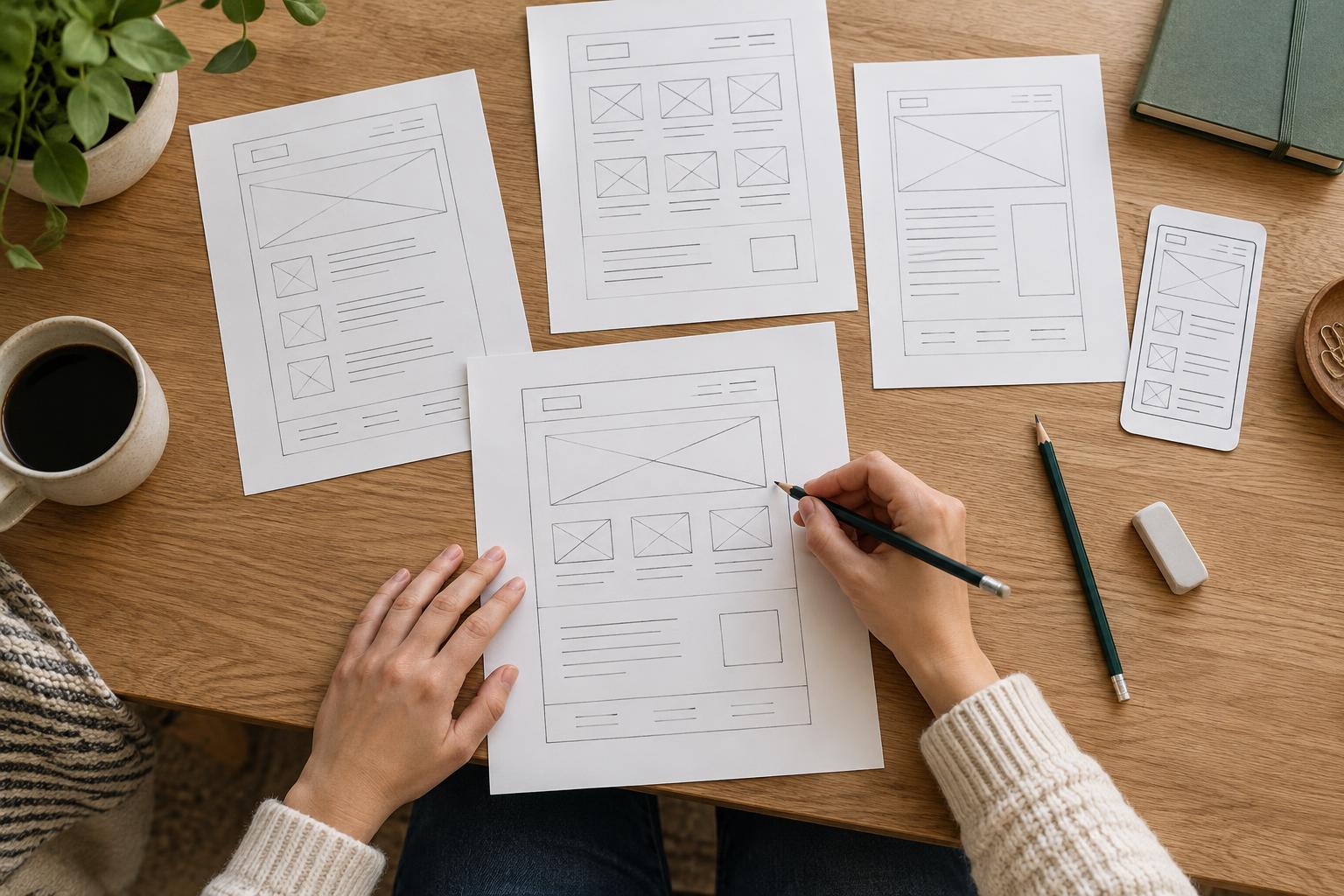
Why test labels while they are still easy to change?
A navigation label is a promise about what someone will find after selecting it. “Services” may be clear on one site, while “What We Do” may fit another. The useful question is not which label sounds best to the team, but whether a visitor can use it to reach the right information.
Testing before you build keeps the exercise small. You can work from a list of proposed pages and a rough menu without designing screens or writing every page. The goal is not to prove that the navigation is perfect. It is to find labels that cause hesitation, invite the wrong choice, or leave important content with no obvious home.
Prepare a menu and a few realistic tasks
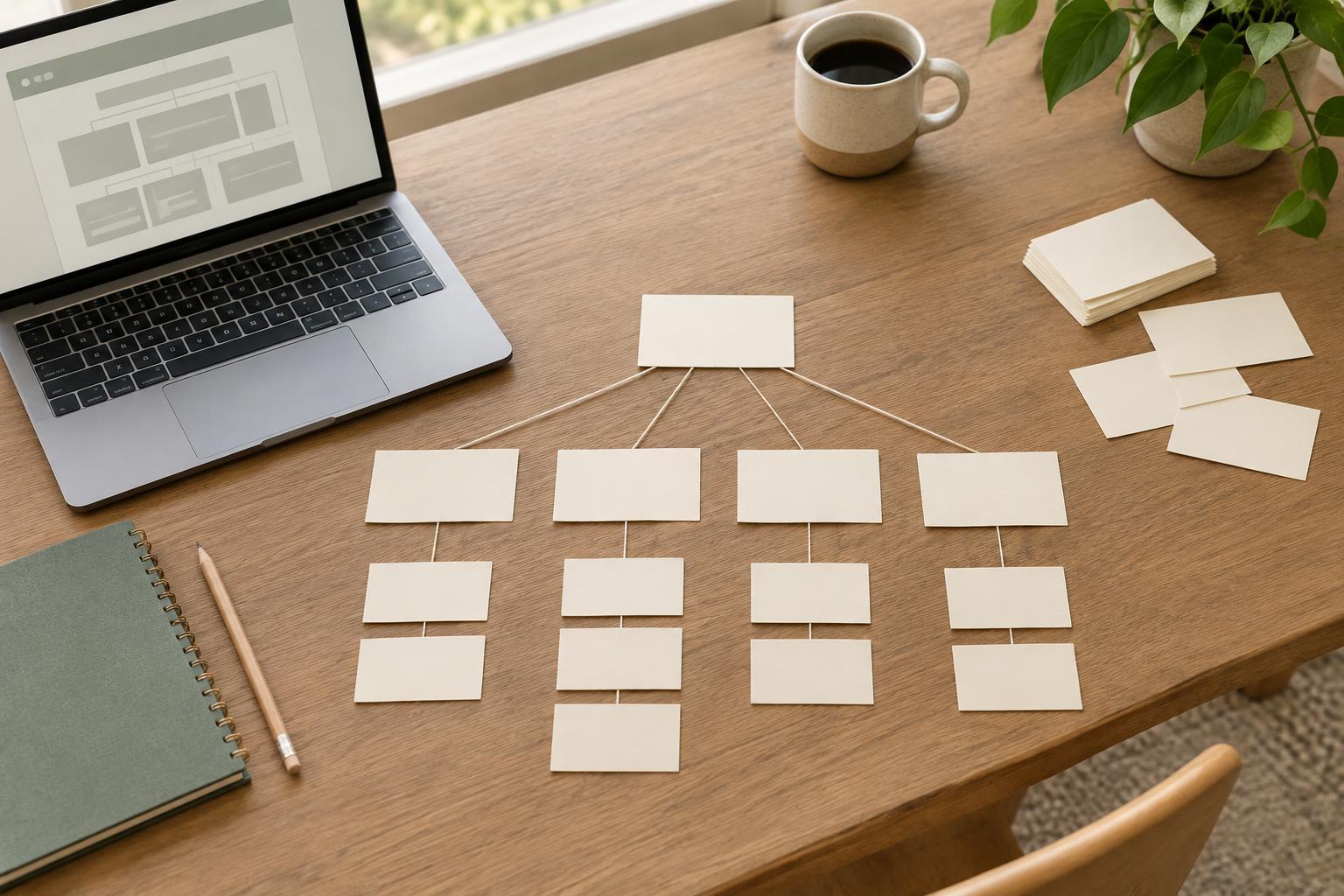
Start with the pages you expect the site to need. Group related pages, then write the proposed top-level labels and any submenu labels in a simple outline. Keep the wording as close as possible to what visitors would see. If two sections contain similar material, show both; hiding a difficult choice would make the test less useful.
Next, write three to five tasks based on things a visitor might want to do. For a small organization, these might include finding eligibility requirements, checking opening hours, or learning how to volunteer. Phrase each task as a need, not as a direction to click a particular label. “You want to know whether your group can apply for support. Where would you look first?” gives a person room to choose. “Find eligibility under Programs” gives away the answer.
Decide in advance which destination you expect for each task, while allowing for reasonable alternatives. If a task could be completed through several pages, note that too. This makes it easier to separate a confusing label from a problem in the underlying page structure.
Run a short, low-cost label test
Show a participant the menu outline without explanatory text from the rest of the website. Give them one task at a time and ask where they would go first. You can do this on paper, in a shared document, or with a basic clickable outline. If they choose a section with submenus, reveal those options and let them continue. Record their first choice, their final destination, and any points where they pause or turn back.
Avoid explaining what a label means while the person is deciding. You can ask a neutral follow-up afterward, such as “What did you expect to find there?” or “What made that choice difficult?” Listen for differences between the team’s language and the participant’s. Someone may understand every word in a menu and still be unsure which section contains the answer.
A few people who resemble your intended visitors can reveal useful problems, but a small test cannot tell you how everyone will behave. If your site serves distinct groups, include tasks and participants that reflect those different needs where practical. A label that works for frequent visitors may be unfamiliar to someone arriving for the first time.
Look for patterns, not just right answers
After the sessions, put the results beside each task. Note which labels drew correct first choices, which drew competing choices, and where people could not predict what a section contained. A wrong turn is useful evidence, especially when more than one person makes it for the same reason. Also notice successful guesses: a participant may reach the right page while saying they were unsure.
Treat the results as clues about both wording and structure. If people consistently expect a page under another clear section, moving the page may help more than renaming a label. If they split between two vague labels, make each section’s purpose more distinct. If no option seems plausible, the menu may be missing a route to an important task. Resist adding a new top-level item for every difficulty; too many choices can create fresh confusion.
Revise, then check the menu in context
Change the smallest thing that addresses the problem, then test the revised choice with fresh tasks or people if you can. Favor familiar, specific words over internal department names or clever phrases that require interpretation. Keep labels reasonably short, but do not shorten them so far that they lose meaning. Review submenu labels alongside their parent labels: together, they should give visitors a useful expectation of what is inside.
Finally, check the menu in the planned layout. A label that makes sense in an outline still needs to be readable and operable on a phone, with a keyboard, and at larger text sizes. Once the site is live, questions from visitors and the routes they struggle with can inform further changes. Pre-build testing gives you a better starting point, not a reason to stop paying attention.