Start with the pages people need now
A URL structure is the pattern used to name and organize your website’s page addresses. It helps visitors recognize where a link will take them and gives editors a consistent place to put new content. Planning for growth does not mean inventing dozens of empty sections. It means making a few decisions now that will still make sense when the site has more pages.
Begin with a list of pages you intend to publish, not every page you might someday create. Group them by the questions visitors are trying to answer. A small service website, for example, might have an overview at /services/ and a separate page for each service at /services/service-name/. A workshop site might put practical guides under /guides/. If a proposed group has only one page and no clear reason to grow, it may not need its own level yet.
Choose categories broad enough to last
A useful category describes a subject or purpose, rather than a temporary project or the person responsible for it. Compare /resources/ with /spring-launch-resources/: the first leaves room for different materials, while the second ties the address to one campaign. Broad does not have to mean vague. If a category could contain almost anything, split it according to the distinctions visitors would actually use.
Before settling on a category, imagine three plausible future pages. Would each have an obvious home? If not, reconsider the name or the grouping. Also check whether a page naturally belongs in two places. Rather than creating duplicate addresses, choose one primary location and link to it from the other relevant sections. Navigation can point to a page from several places without giving that page several permanent URLs.
Set simple rules for paths and page names
Decide on a repeatable format for new addresses. Short, readable words separated by hyphens are easier to scan and share than internal codes or long strings of keywords. A path such as /guides/choosing-a-domain/ tells a reader more than /guides/article-17/. Use words that describe the page’s lasting subject; avoid adding dates, staff names, or version numbers unless those details are essential to the content.
Keep the number of levels manageable. A path with several nested folders may reflect an internal filing system more than a visitor’s view of the site. You can often use a short page address and show finer distinctions through headings, navigation, and links. Decide whether page URLs will end with a slash, and use the same convention throughout. Record these choices in a short note so future editors do not have to guess.
Leave space for growth without publishing empty pages
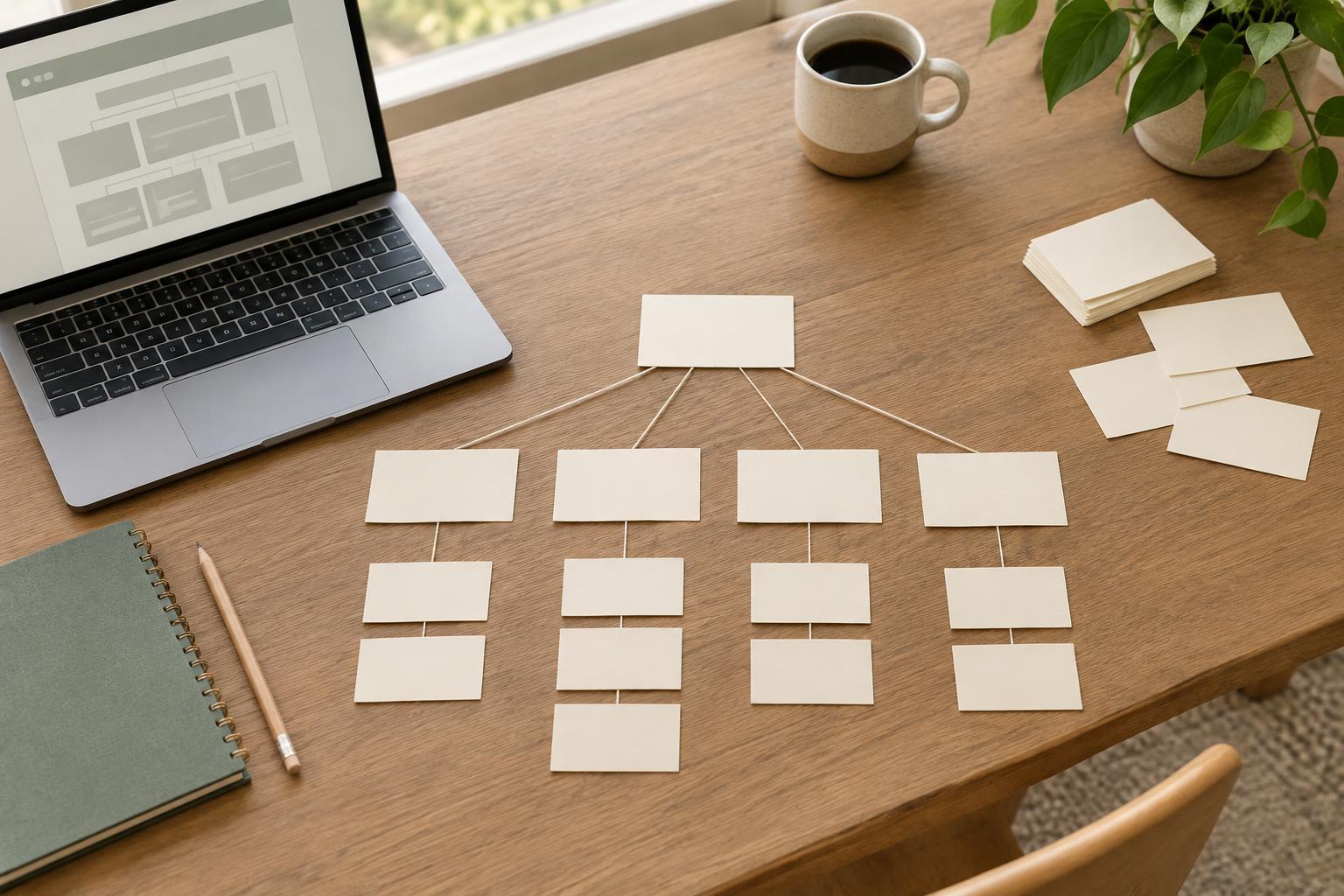
Make a small URL map with columns for the page title, proposed path, purpose, and parent section. Add a few likely future pages in a separate planning column to test the pattern, but do not publish placeholder pages solely to claim their addresses. This exercise can expose awkward names early. If every new guide would require a different exception, the structure may be too specific.
Consider content types that may multiply, such as team profiles, locations, case studies, or event summaries. Give each type a consistent pattern only when it serves a real need. Not every website needs every type. If you later add one, a clear existing structure makes it easier to choose a place for it. Keep navigation planning separate from URL planning: a new page can have a sensible address before it earns a prominent menu item.
Treat published URLs as commitments
Once a page is public, people may bookmark it, share it, or link to it from another site. You can still reorganize, but changing an address creates work. When a change is necessary, send the old URL to the most relevant new page with a permanent redirect, then update your own menus and internal links. Avoid sending every retired address to the home page; that may leave visitors unable to find what they expected.
Review the URL map whenever you add a new section or substantially rename a service. Ask whether the proposed address follows your rules, accurately describes the page, and will remain useful if the content expands. A good structure is not one that predicts every future page. It is one that gives editors a dependable starting point and lets visitors follow links without having to understand how the organization files its work.