Start with tasks, not menu labels
A sitemap is a plan for the pages on a website and how they relate to one another. For a small site, it can be a simple outline on paper or in a shared document. Its job is to help visitors reach useful information without having to understand how your organization is structured.
Before naming pages, write down what people come to the site to do. A prospective client may want to understand a service, see whether it fits their situation, and find a way to ask a question. A returning customer may need opening hours or support information. Someone considering a donation may want to know what the organization does and how to contribute. These tasks give you a better starting point than copying the labels from an old menu.
Keep the list focused on plausible visitor needs. If you already receive inquiries by email or phone, recurring questions can help reveal missing or hard-to-find information. Also note tasks the site cannot complete; a page can still explain what to expect and direct someone to the right next step.
Turn each need into a page or a clear section
Next, decide what information each task requires. A small service business might need pages for Services, About, Contact, and a few detailed service descriptions. A community group might instead prioritize Activities, How to Participate, Accessibility Information, and Contact. There is no universal page list: include a page because it serves a purpose, not because another website has one.
You do not need a separate page for every answer. Related, brief information can sit together if visitors are likely to need it at the same time. For example, location, hours, and contact details may work well on one page. Separate pages become more useful when a topic needs substantial explanation, serves a distinct audience, or deserves a direct link from elsewhere.
Give every proposed page a short purpose statement: “This page helps visitors decide whether this service suits them,” for instance. Then note its primary next step, such as reading service details or making contact. If two pages have nearly identical purposes, consider combining them. If a page has no clear visitor purpose, reconsider whether it belongs in the sitemap.
Group pages into predictable paths
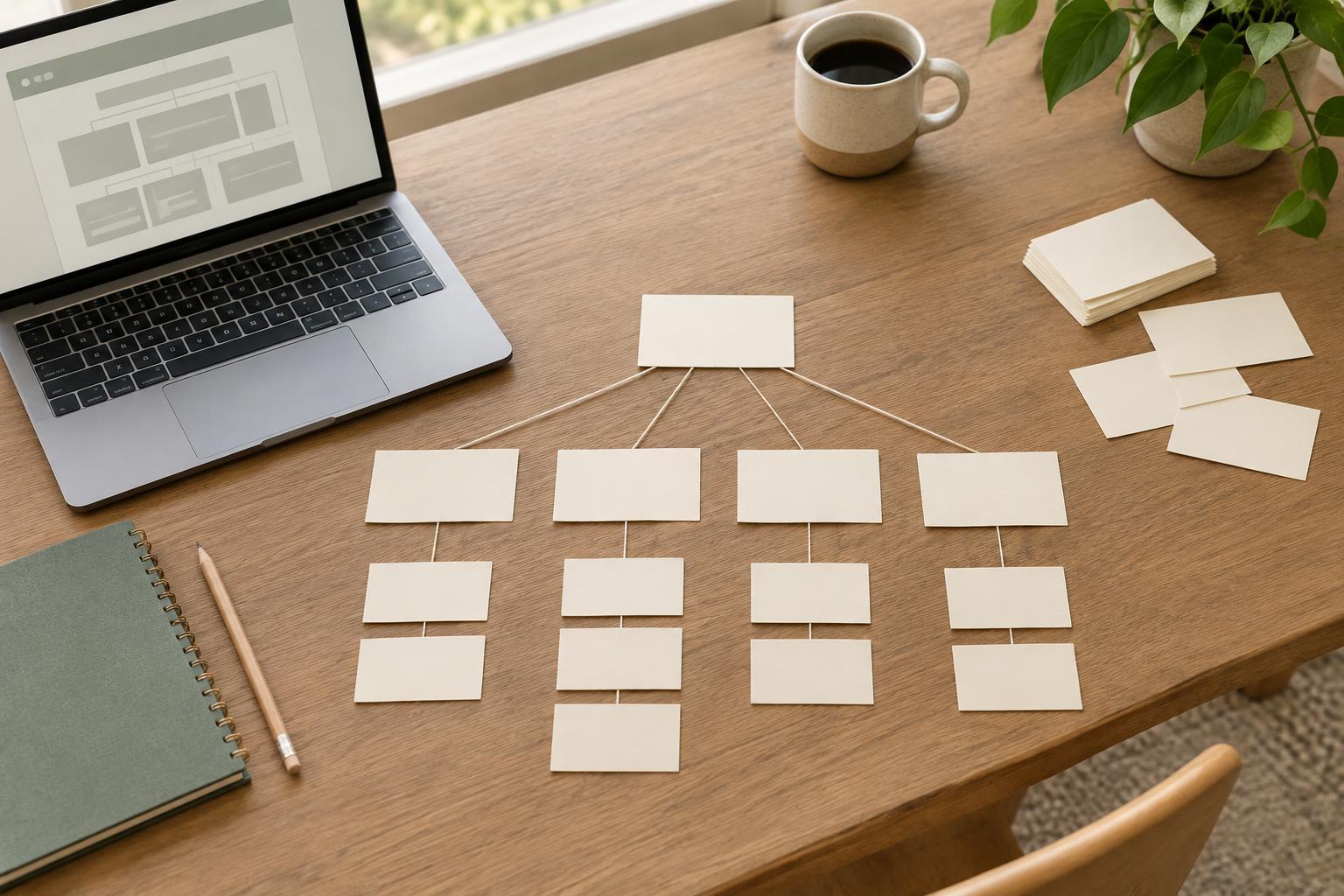
Arrange your pages in a shallow outline, with the most broadly useful destinations easy to reach from the main navigation. Put detailed pages beneath the overview that introduces them. A Services overview, for example, can link to individual services without requiring every service to appear in the top-level menu.
Use labels visitors can recognize before they click. “Services” usually sets a clearer expectation than an internal program name; “Contact” is more direct than a creative label that could mean several things. If your organization uses a necessary specialist term, pair it with plain-language explanation on the destination page.
A sitemap shows a useful hierarchy, but it should not be the only route through the site. Pages can link to related information where it helps a visitor continue a task. A service page might link directly to pricing guidance, frequently asked questions, and contact details. These connections matter especially when someone arrives through a search result rather than the home page.
Check the sitemap against real journeys
Test your draft by choosing a few visitor tasks and tracing the path from the home page. Where would someone look first to find eligibility details, request a quote, or learn how to visit? Would the page label make sense without seeing the page itself? If the route depends on guessing an internal term or opening several unrelated pages, revise the grouping or add a clearer link.
You can ask someone unfamiliar with the project to point to the page they would choose from a printed list of navigation labels. Listen to their reasoning rather than explaining what you intended. Even a brief check can reveal ambiguous labels or information placed under an unexpected heading. For each important task, make sure the destination page contains the answer or an obvious next step.
Keep the plan small enough to maintain
A sitemap is also a commitment to create and look after content. Before adding a page, ask who can write it, who will check it, and what might need updating later. A short, accurate page is often more helpful than a large section of thin or outdated pages. If information changes often, give it a clear home so editors know where to make the update.
Treat the sitemap as a working plan rather than a permanent diagram. Once pages are drafted, you may discover that two topics belong together or that a visitor question deserves its own page. Make those changes deliberately, checking that navigation labels, internal links, and page content still support the same visitor tasks. The best sitemap is not the most elaborate one; it is one that helps people find dependable answers and helps your team keep those answers useful.