Start with the job the website must do
A feature list can grow faster than a small team can build it. Appointment booking, a searchable directory, a newsletter signup and an animated home page may all sound appealing, but they do not solve the same problem. Before discussing tools or design, write down the website’s main purpose in one sentence. For example: “Help prospective clients understand our services and ask for a quote.” Then name the two or three actions visitors need to take to make that purpose possible.
Use those actions to define a minimum useful website, not merely the smallest one you can publish. A service business might need clear service descriptions, an easy-to-find contact method and answers to common questions. A community group might need accurate event details and a way to request access information. If visitors cannot complete the core task, a polished extra feature will not make up for the gap.
Separate essentials from enhancements
Put each proposed feature into one of three groups: essential for a visitor task, helpful but replaceable, or optional. Ask what happens if the feature is absent for the first few months. If people would be unable to find key information or make contact, it probably belongs in the first group. If a simpler page or manual process works for now, the feature may be an enhancement. This distinction keeps a desired implementation, such as a custom booking system, from being mistaken for the underlying need, such as arranging an appointment.
Some work is foundational even when it is not prominent on a feature list. Readable text, usable navigation, descriptive link labels, keyboard access, a mobile-friendly layout and a reliable way to update essential information support nearly every visitor task. Likewise, someone needs to own routine updates, access to accounts and a backup process appropriate to the site. Treat these as part of delivering a usable website, not as decoration to add only if money remains.
Compare value, effort and ongoing responsibility
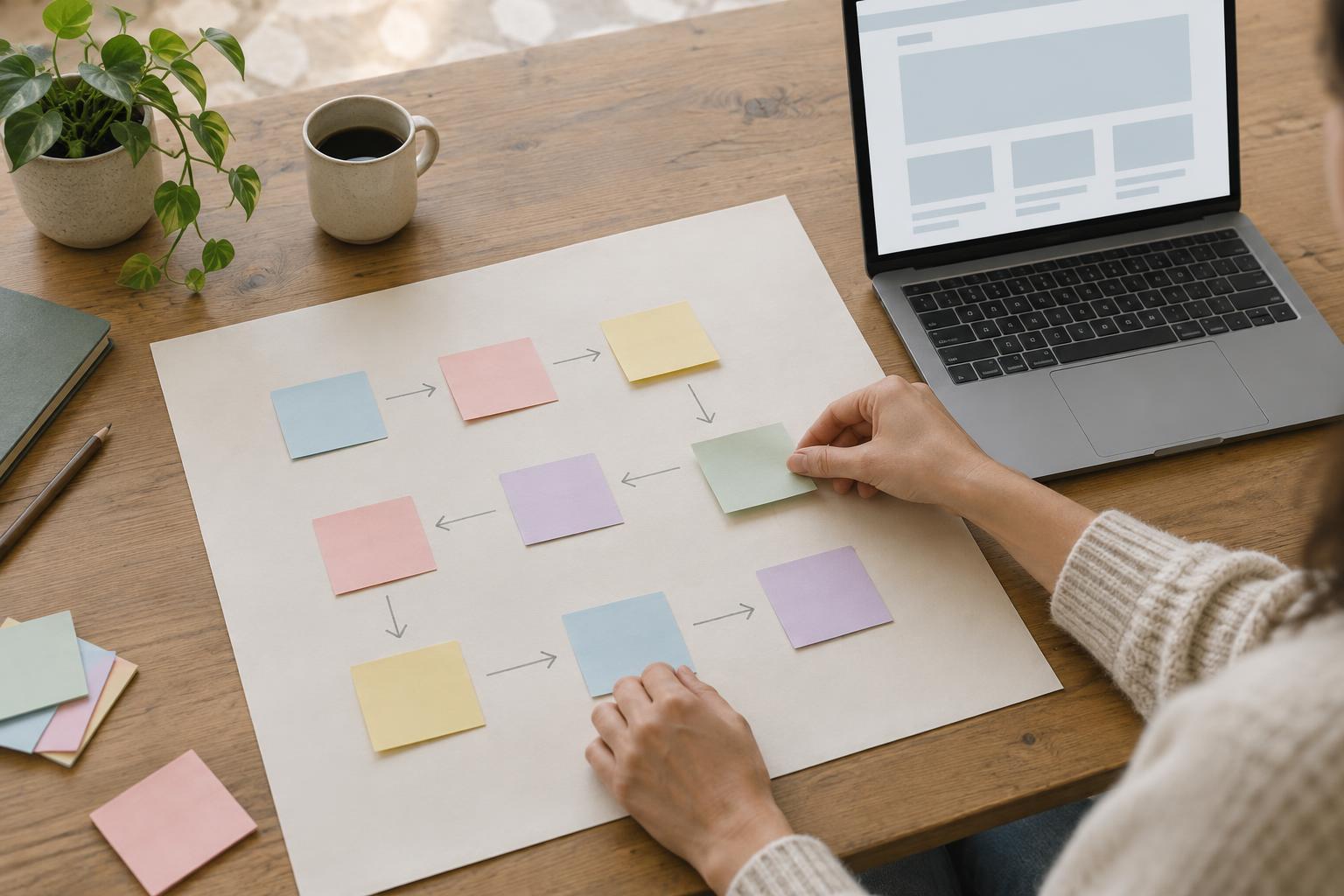
For the remaining ideas, make a short decision table. Give each feature a plain-language rating for visitor value, effort to launch and effort to maintain. Add any dependency: a directory, for instance, is only useful if someone can keep its entries accurate. These ratings do not need to become a precise mathematical score. Their purpose is to make assumptions visible so the people doing the work can challenge them.
When two ideas seem equally valuable, favor the one that serves a clearer visitor need with less complexity. A well-organized page of frequently asked questions may answer the same questions as a chatbot without requiring conversation design and ongoing review. An email link may be enough to test demand before paying for a form service. Simpler does not always mean better, but it often makes a small website easier to launch, explain and maintain.
Check whose work a feature creates after launch. A calendar needs someone to enter changes; a newsletter needs material to send; a searchable resource library needs consistent descriptions. Include that time in the decision even if the tool itself is inexpensive. If no one can take responsibility for keeping a feature useful, postpone it or choose a smaller version.
Build in stages that can stand on their own
Turn the highest-priority work into a first release with a clear finish line. Each stage should be useful to a visitor without depending on a promised future feature. A first release might contain accurate core pages, straightforward navigation and one dependable contact route. A later stage could add a form if email inquiries prove difficult to sort. This approach avoids spending the entire budget on a complex addition while basic pages remain incomplete.
Before beginning each stage, write down what “done” means. Include a content owner, a check on smaller screens, a keyboard check and a test of the main visitor task. For a contact page, that might mean confirming the address is current, the link works and a message reaches the right person. Defining completion this way helps prevent half-finished features from consuming time that should go toward making the site reliable.
Review priorities after real use
Keep a parking list for ideas you defer, along with the reason for each decision. “Wait until we know whether visitors need filtering” is more useful than “not now.” Set a regular time to review that list and look at the evidence available to you: recurring questions, failed contact attempts, feedback from visitors or tasks staff repeatedly handle by hand. These observations can show whether a proposed feature solves a real problem.
Reconsider priorities when the website’s purpose, audience or capacity changes. Do not add a feature simply because another site has it, and do not keep one because it took effort to build. The best next step is the one that improves an important visitor task while remaining realistic for the people who will maintain it.