Start with the pages, not the pictures
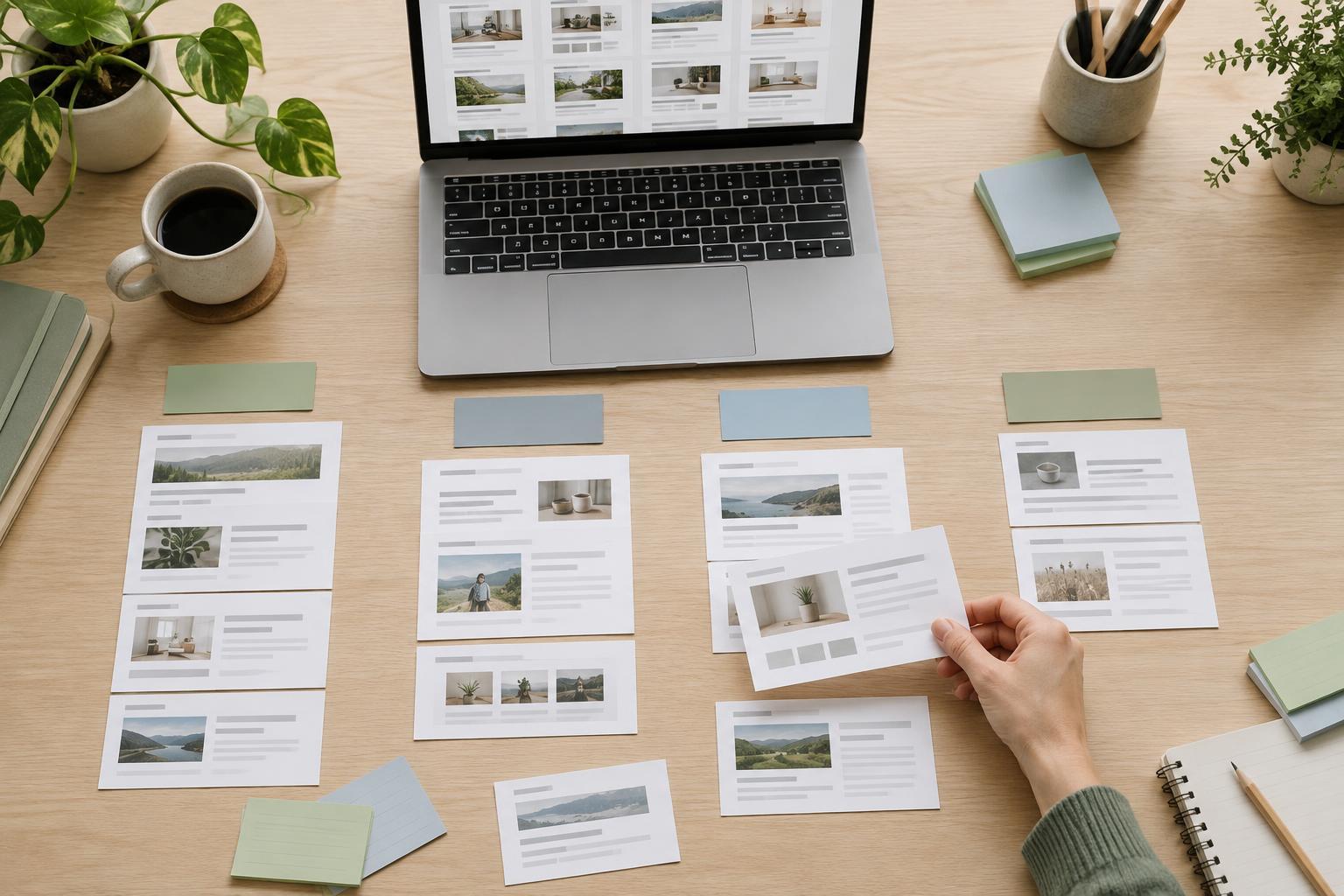
It is easy to collect appealing photographs and then look for somewhere to put them. A more useful approach starts with the website’s pages. List the pages you expect to publish, what each page needs to explain and where an image would help. A service page might benefit from a photograph of the work in progress; an about page might need portraits; a guide might be clearer with a diagram. Some pages may need no image at all.
Turn that list into a small image inventory. For each proposed image, note its purpose, likely location, subject, preferred orientation and whether it is essential or optional. Include the different spaces it may occupy, such as a wide page banner and a narrow card. This makes gaps visible before a shoot or illustration project begins. It also helps you spend a limited budget on images that answer real content needs rather than on a large collection of similar shots.
Write a brief that leaves room for useful choices
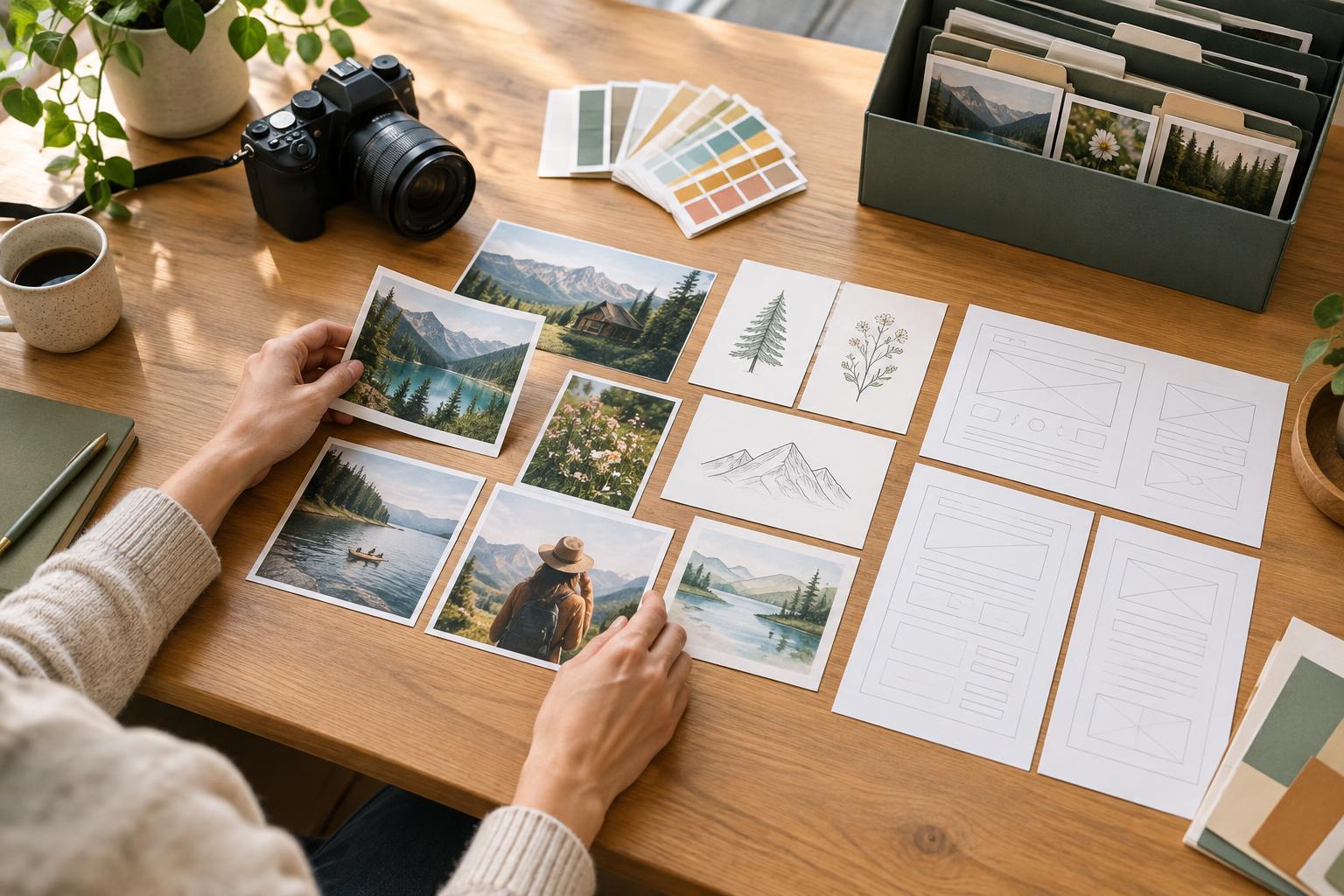
A short brief can guide a photographer, illustrator or colleague without prescribing every detail. Describe the audience, the page’s message and the action a visitor should be able to take after viewing it. Add practical requirements: subjects to include or avoid, suitable settings, brand colors where relevant, and any space needed for nearby text. If an image must work in several layouts, ask for compositions with breathing room around the main subject rather than relying on a single tight crop.
Plan for accuracy as well as appearance. A small organization may be better served by recognizable people, places and processes than by generic scenes that imply work it does not do. For illustrations, decide whether a repeated visual system would be helpful: consistent line weight, colors and treatment of people or objects can make a set easier to extend later. Ask for an initial sample or contact sheet so you can confirm the direction before the full set is finished.
Think about how the page works without the image. Important instructions should remain in page text, not be embedded only in a photograph or diagram. When an image conveys information, plan a concise text alternative that communicates its purpose. Decorative images may not need a descriptive alternative. Making that distinction during planning is easier than trying to infer intent months after publication.
Check permission for every intended use
Possessing an image file does not, by itself, mean you can publish it. Before using an existing photograph or illustration, identify its creator or provider and record what permission you have. A license may limit where, how long or in what context the image can appear. It may also set rules for cropping, attribution, redistribution or use in promotional material. Do not assume an image found online, supplied in a presentation or posted on social media is available for your website.
When commissioning new work, agree on intended uses before production starts. Describe the website, any social or email promotion, whether you expect to edit or crop the work, and whether you need source files for future updates. Ask what the fee includes and what requires a separate agreement. If identifiable people, private premises or client work appear in the images, check whether additional permissions are needed for the planned publication. Keep the relevant agreements and approvals with your image records. If the terms are unclear, resolve that uncertainty before publishing rather than guessing.
Prepare files for the site, not just for approval
A beautiful full-size image can still be awkward to publish. Decide who will choose final images, make crops, export web-ready files and check them on a small screen. Preserve the original files separately, then create appropriately sized versions for the layouts you use. Test whether the main subject remains visible in narrow and wide crops. Keep text out of images where possible, since text placed in the page is easier to read, resize and update.
Use filenames that help someone identify an asset later, such as the subject and intended page, rather than a camera-generated number. Record creator, permission, attribution requirements, subject, date received and where the image is used. This can be a simple spreadsheet or a set of fields in your content system. The goal is not elaborate asset management; it is to let a future editor answer, “Can we use this image here?” without starting the investigation again.
Make image planning part of ongoing publishing
Image needs change as pages are revised. Add an image check to the routine for new content: Does this page need a visual? What job will it do? Do we have one that fits, with permission for this use? Can the page still communicate its message without it? These questions prevent an image requirement from becoming a last-minute search for filler.
Review the inventory when updating a page or retiring content. Replace images that no longer represent the organization accurately, remove unused files from publishing workflows when appropriate, and keep permission records for assets that remain in use. A modest, well-documented collection is often more useful to a small site than a large folder of attractive images whose purpose and rights are unknown.