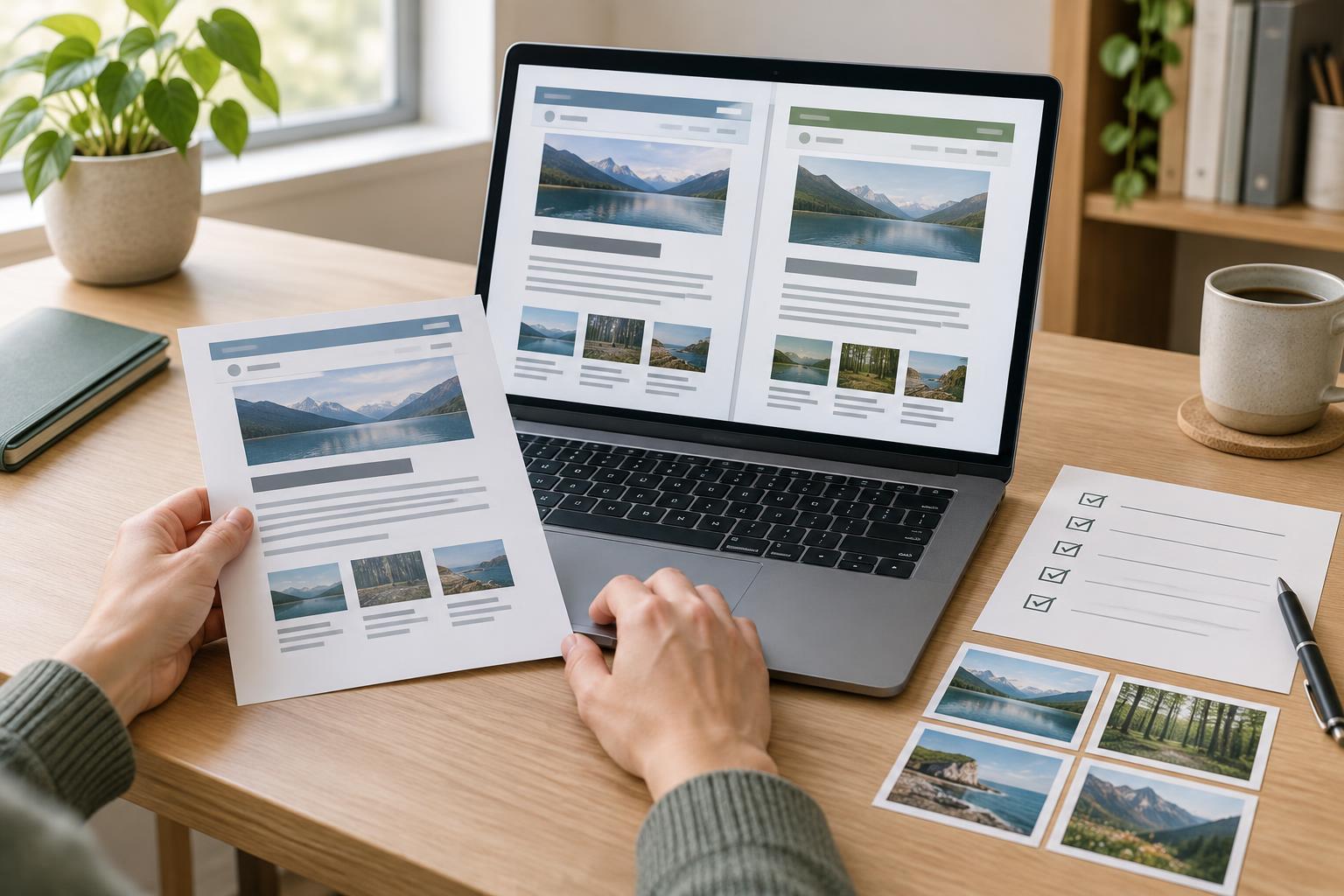
Start with an inventory, not an export
Before choosing an import tool, make a list of what the current site contains. Include published pages, posts, downloadable files, images, and any content that is not linked from the main navigation but still has a public URL. A spreadsheet is enough for a small site. Give each item its current URL, title, content type, owner if relevant, and a decision: move, revise, combine, archive, or remove.
This is a chance to avoid carrying every old problem into the new CMS. Look for duplicate pages, outdated instructions, and posts that refer to material no longer available. Keep a record of anything you decide not to move. A page that disappears without a plan may still be reached through a bookmark or an external link.
Make a URL map before changing page addresses
For each public URL in the inventory, write down the intended destination on the new site. Preserving the same URL is often the simplest choice when the page will continue to serve the same purpose. Check details such as trailing slashes, capitalization, file extensions, and the path used for posts; a new CMS may handle these differently.
When a URL must change, plan a redirect from the old address to the most relevant new page. A permanent redirect is generally appropriate when a page has permanently moved. Avoid sending every removed page to the home page: a visitor looking for a specific guide needs either a close replacement or a clear explanation that the material is gone. Keep the URL map after launch so that later editors can understand why a redirect exists.
Include files in this exercise. A PDF linked from an email or an image embedded on another page may have a URL worth preserving. Decide whether each file will keep its address, move with a redirect, or be replaced by an updated resource.
Treat formatting as structured content
Imported content can look complete while losing important structure. Inspect headings, lists, tables, links, captions, and callouts in the new editor and on the published page preview. Headings should describe the sections beneath them, not simply make text larger. Lists should remain lists rather than lines separated by manual breaks. If a complex table becomes hard to read on a narrow screen, consider whether it can be simplified or presented another way.
Check images and other media separately from body text. Confirm that files load, captions remain attached to the right images, and useful alternative text has carried over or been added where needed. Review internal links: an imported link may still point to the old domain or to a page whose address has changed. Use the URL map to update links within the new site rather than relying on redirects for navigation you control.
Test a representative batch before moving everything
Move a small group of varied pages first: a short page, a long article, a page with several images, and any unusual content type the site depends on. Compare each new version with the old one. Look beyond the first screen for missing paragraphs, broken embeds, misplaced headings, and characters that did not import correctly. Testing a sample early gives you time to adjust the import process before the same mistake appears across the site.
Give editors a simple review checklist and a place to record issues. Automated checks can help find missing pages and broken links, but people should also read representative pages on a phone and with a keyboard. Confirm that the new CMS lets editors maintain the formatting without repeatedly pasting in custom code. A migration is not finished if routine edits become harder to make safely.
Launch carefully and keep checking
Near launch, pause edits on the old site or set a clear cutoff so that recent changes are not missed. Save a backup of the old content and files, confirm who will apply redirects, and assign someone to verify the site once the new version is public. Test a selection of old URLs, including deep pages and files, by entering them directly rather than navigating from the home page.
After launch, review missing-page reports if your hosting or CMS provides them, and fix unexpected broken links or redirects. Keep the inventory and URL map available for future maintenance. The aim is not a perfect copy of the old site: it is a site where visitors can still find what they need and editors can keep that content useful.


