Start with the decision the page should support
A page brief is a short working document for one page. It records why the page exists, who needs it and what information must be present before the page can be published. It is not the finished copy or a design specification. For a small website, a few clear notes can prevent lengthy discussions later about what belongs on the page.
Write the page’s purpose as something a visitor can accomplish. “Help prospective clients decide whether to request a consultation” is more useful than “promote our services.” Then name the primary audience and what they may already know. A first-time visitor may need an explanation of the service, while an existing client looking for support may need a direct route to contact details.
Give each page one primary job, even if it serves other needs. If you cannot choose between several unrelated jobs, consider whether the content belongs on separate pages. A clear purpose helps you decide what to include, what to link elsewhere and what to leave out.
List the questions the page must answer
Turn the page’s purpose into visitor questions. For a service page, those might include: What is offered? Who is it for? What is included? What happens after I get in touch? What information do I need before deciding? The answers form a practical checklist for the writer and reviewer.
Separate required content from content that would merely be nice to have. Required content is information a visitor needs to understand the offer or take the intended next step. Optional details can be added if they improve the page without hiding the essentials. Note any facts that still need confirmation, and name the person responsible for confirming them. This keeps an attractive draft from being mistaken for an accurate one.
Also record content the page should not repeat. If a separate pricing or frequently asked questions page holds detailed information, the brief can call for a concise summary and a relevant link. This gives visitors enough context while reducing the number of places that must be updated when details change.
Describe the path through the page
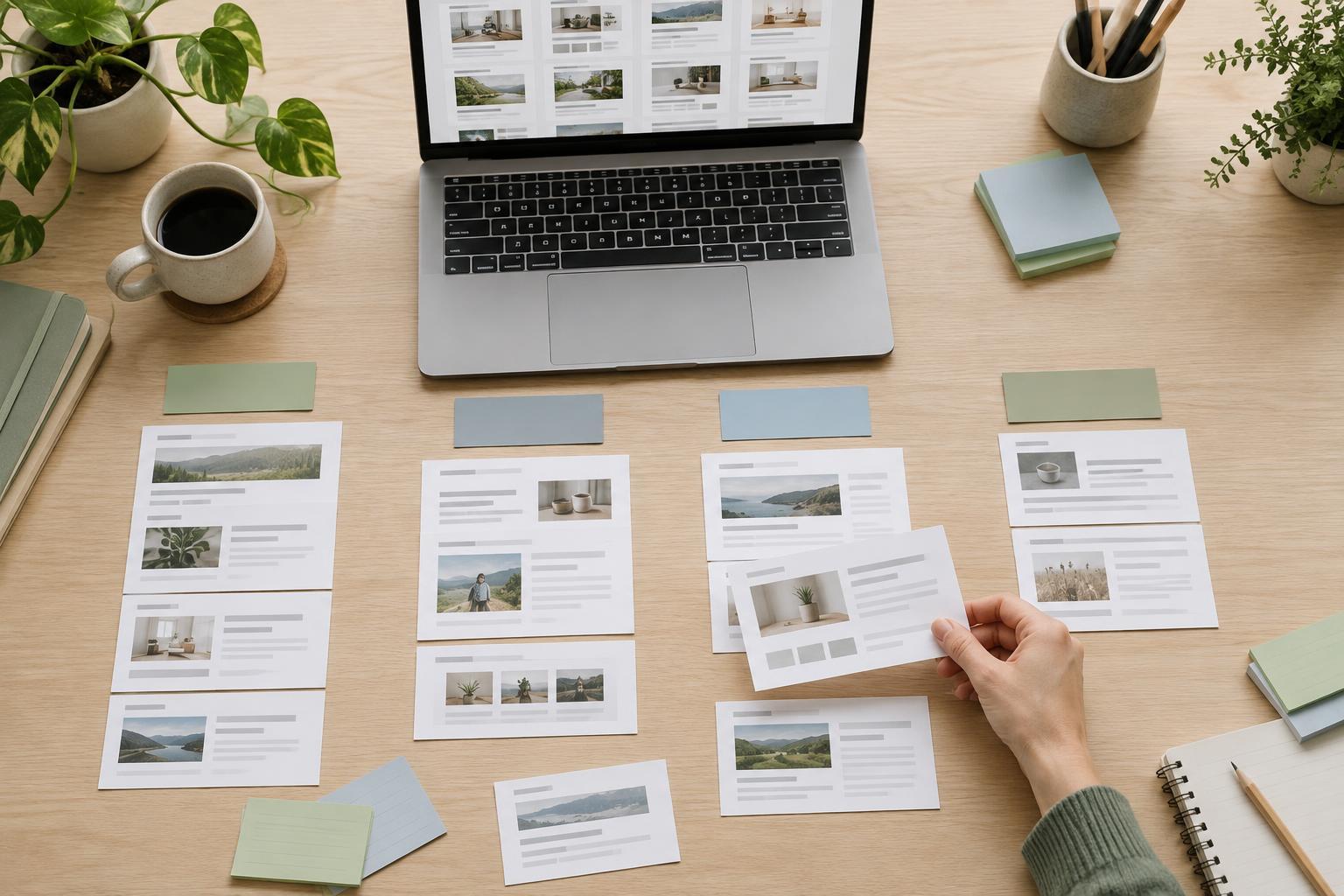
A useful brief sketches the order in which visitors should encounter information. For example, a service page might open with a plain-language description, explain who the service is for, cover what is included, address common questions and end with a way to make an enquiry. This is a content outline, not a demand for a particular layout. It gives the writer and designer a shared structure to test.
State the primary next step and where it leads. “Contact us” may be appropriate, but “Send an enquiry about this service” tells visitors more about what will happen. Note any supporting links a visitor might reasonably need, such as related services, eligibility details or a contact page. Avoid asking every page to push the same action if visitors have different reasons for arriving.
Include accessibility needs in the plan rather than treating them as finishing touches. Identify meaningful headings, descriptive link text, any images that need text alternatives and information that must be available as text rather than only in a graphic. If the page needs a form, specify what information it must collect so its labels and instructions can be planned alongside the content.
Keep the brief small enough to use
A simple page brief can fit on one page. Use fields such as page name, primary audience, purpose, visitor questions, required content, next step, supporting links, assets needed, facts to confirm and content owner. Add a proposed outline if the order of information is not obvious. The aim is to make decisions visible, not to create paperwork for its own sake.
For example, a brief for a community workshop page might say its purpose is to help a visitor decide whether to attend. Required content could include what participants will do, who can attend, what to bring, where to go and how to register. If a fee or accessibility arrangement has not been confirmed, mark it as unresolved rather than writing around the gap. The next step might be a link to a registration form.
Write in everyday language that colleagues can review quickly. If someone responsible for the service cannot tell whether the brief is accurate, simplify it. A brief works best when the people who know the subject can check the facts before anyone spends time polishing copy or arranging the page.
Use the brief during drafting and review
Before drafting, agree on the brief with the people who will approve the page. During writing, use the visitor questions as a completeness check. During review, compare the draft with the stated purpose rather than relying only on whether it sounds good. A page can read smoothly and still omit the information someone needs to act.
The brief should not prevent useful changes. If drafting reveals that visitors need another answer, update the brief and the page together. Once the page is published, keep the brief with the content record so future editors can see why the page exists and which details need checking. That small bit of context can make later updates more focused.