Start with the question, not the tracking tool
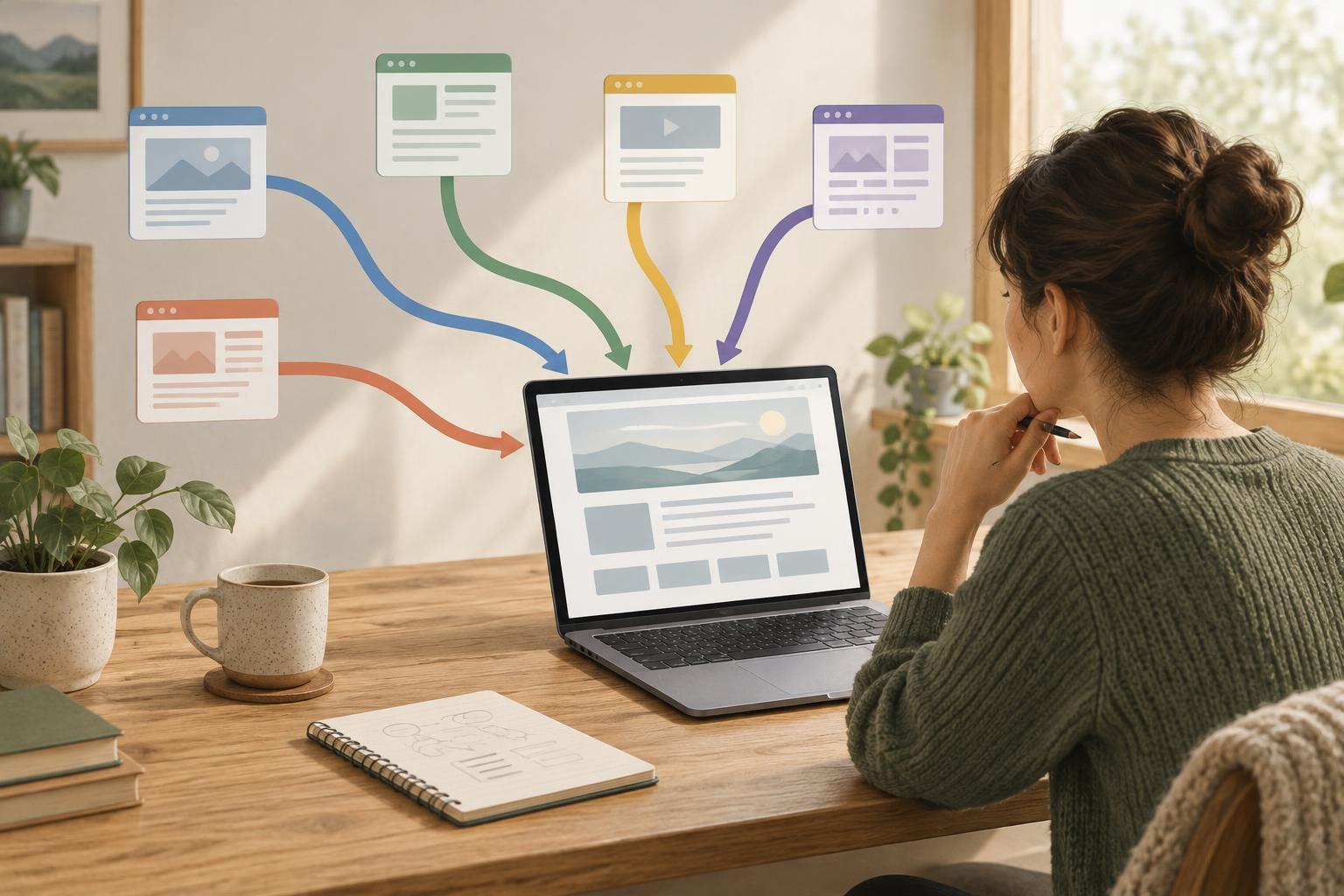
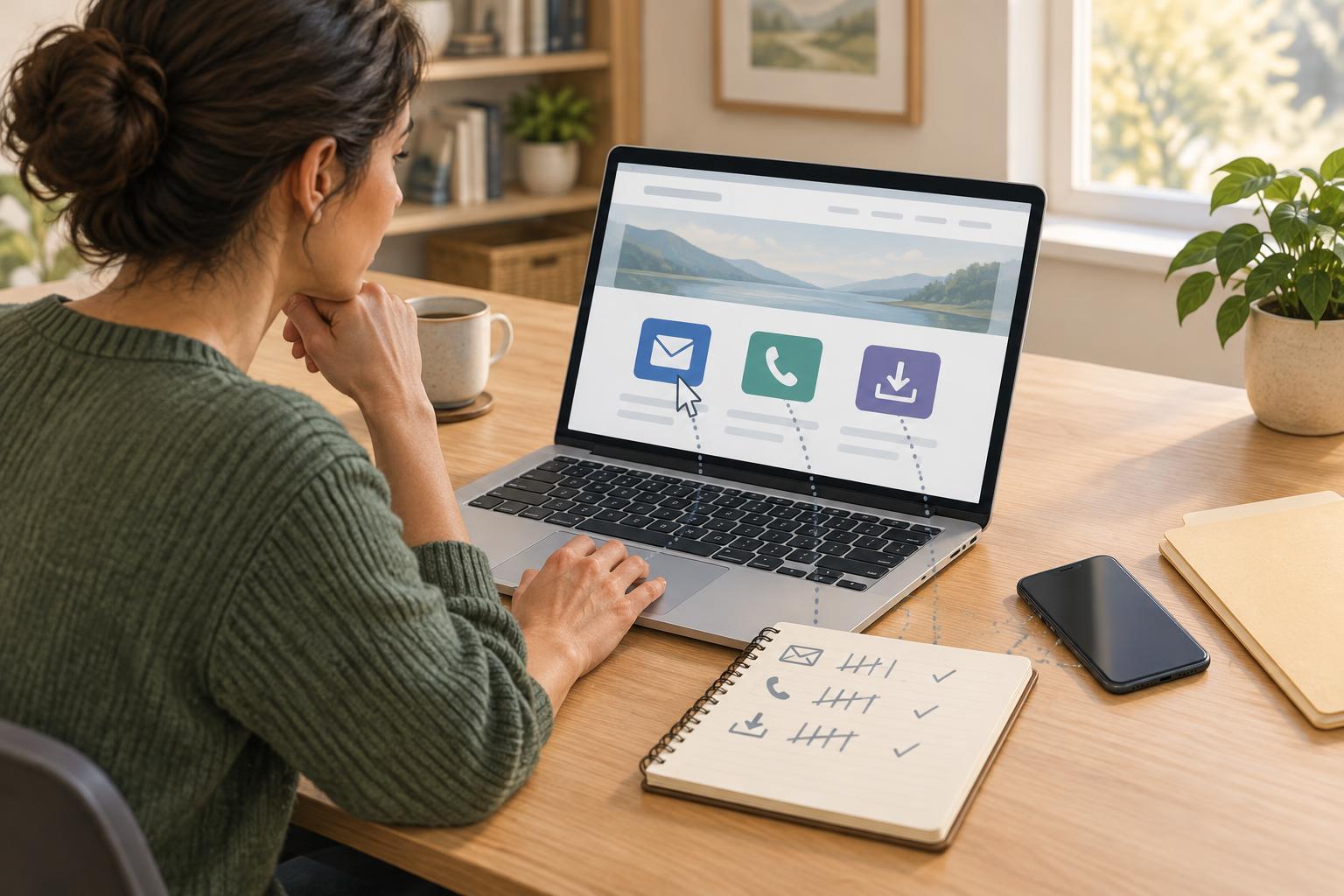
A small website may invite visitors to email a team, call a business, or download a guide. Counting visits to the contact or resources page does not tell you whether anyone tried those options. Click tracking can help answer a narrower question: which links did visitors select, and from which pages?
Decide what you want to learn before adding events. You might want to know whether people use the phone link on a service page, whether a downloadable checklist is noticed, or whether one contact method is used more often than another. Write down the links that matter and where they appear. This keeps the project manageable and prevents a report full of events nobody needs.
Give each action a clear name, such as email_click, phone_click, or download_click. For each event, record useful context such as the page path and a short link label. A label like “header phone” or “pricing guide PDF” is easier to interpret than a long address or file URL. Keep names consistent so the same action can be compared across pages.
Track the link action while keeping the link usable
Email links usually begin with mailto:, and phone links with tel:. A visitor selecting one may open an email app or a phone dialer. Download links point to files, often PDFs or other documents. Many analytics tools can record a click on these links, either through built-in event settings or a small amount of custom configuration. Check what your tool already records before adding another event; duplicate tracking can make totals misleading.
Keep each link as a normal link with a meaningful visible label. “Email the workshop” and “Download the maintenance checklist (PDF)” explain the action better than “Click here.” The link should still work if analytics is blocked or fails to load. Tracking is an observer of the action, not a requirement for completing it.
When you configure events, distinguish the three link types and capture only the context you need. Avoid sending email addresses, phone numbers, personal details in link text, or identifying query strings to an analytics service. A general label and page path will often be enough for a small site. If a file link opens a document rather than forcing a download, name the event for the link click unless your setup can confirm that a download started.
Test each event before trusting a report
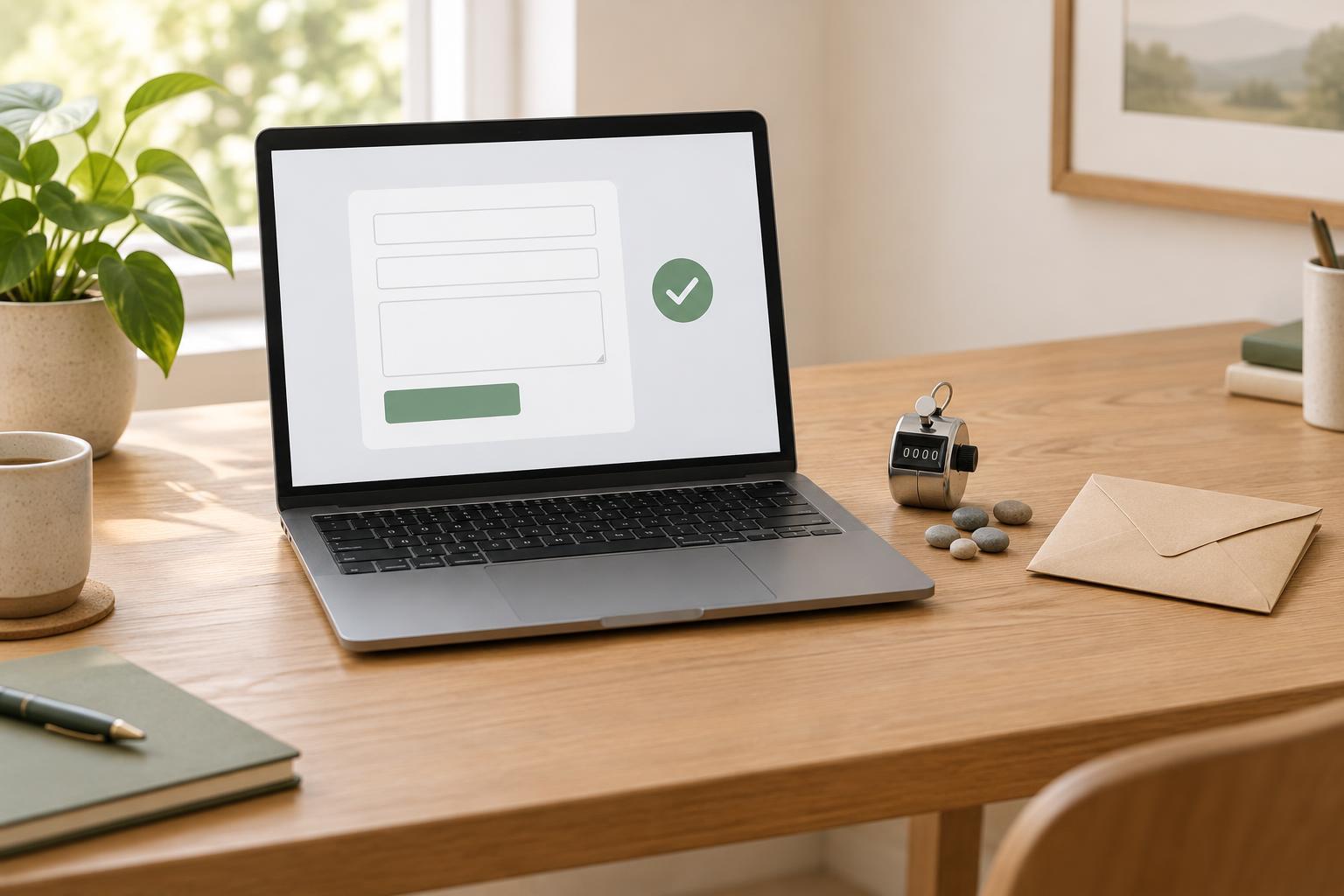
Make a short test list: one email link, one phone link, and each important download link. Open the site as a visitor would and select them on both a desktop browser and a phone if possible. Confirm that the email app, dialer, or file opens as expected. Then check your analytics tool’s test or event view for the event name, page, and label you intended to send.
Test repeated placements separately. A phone number in the header and the same number on a contact page should lead to the same call option, but their labels should help you tell the placements apart. Check for double counts if your tool has automatic click tracking and you have also configured custom events. If an event is missing, inspect the link itself and the tool’s event rules before changing the page design.
Repeat these checks after changing a navigation menu, replacing a file, or moving contact details into a new page component. A simple tracking note that lists event names, covered links, and the date of the last test makes future maintenance easier.
Read clicks as signals, not completed outcomes
An email click does not prove that a message was sent. Someone may close the draft, have no email app configured, or copy the address instead. A phone click does not prove that a call connected, and a download click does not show whether someone read the file. Some visitors may also block analytics. Describe these numbers as link clicks rather than enquiries, calls, or readers.
Compare clicks with the opportunity to click. A link on a busy homepage will usually have more exposure than one deep in the site, so a raw total alone may not reveal which placement is more useful. Look at the page and its visitor count alongside the event count, and note whether the link was prominent, clearly worded, and relevant to that page’s purpose. Trends over several reporting periods can be more informative than a single small change.
Use the findings to choose modest improvements. If visitors reach a resource page but rarely select its file, make the description clearer and check that the file meets the promise. If people select a phone link on mobile but seldom use the email option, make sure both routes are easy to find without assuming one is unnecessary. Change one or two things, then keep measuring with the same event definitions so the results remain comparable.